A desktop image manager for creators
Search thousands of images by content or face, tag and score them,
check what the models got wrong, and send the good ones on. Every
model runs on your own machine.
Easy install for desktop or
server.
Draw area to change,
set a prompt,
press Run
The picture viewer has paint tools now. Mark a part of a picture, describe the change, and an inpaint workflow redraws only that part. Three inpaint workflows come with PixlStash, and your own inpaint workflows run there too.
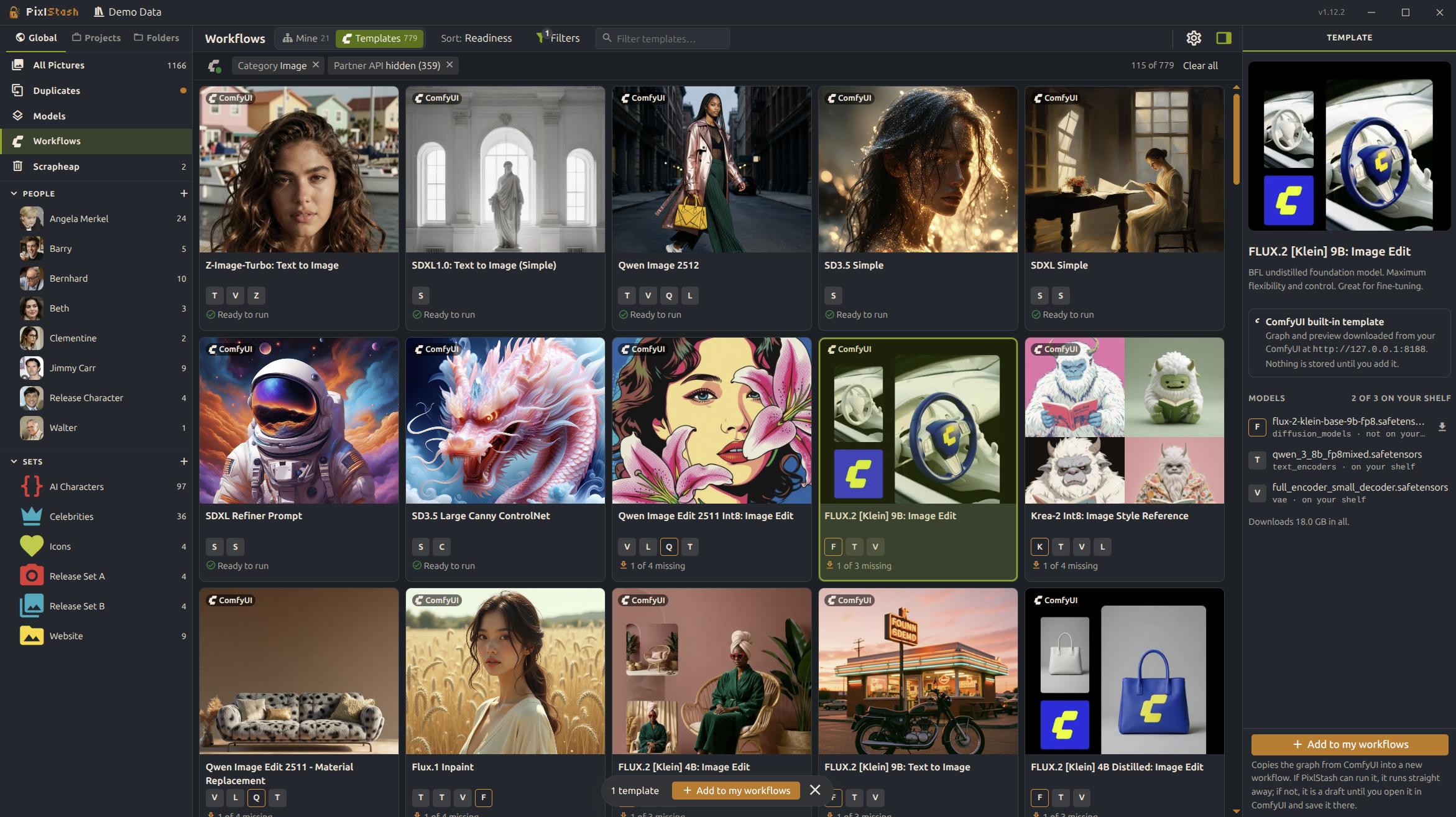
Every ComfyUI template
A Templates tab lists what your ComfyUI offers, which files each needs and which you have. Add one and it loads from your library and shelf, and saves back to PixlStash.
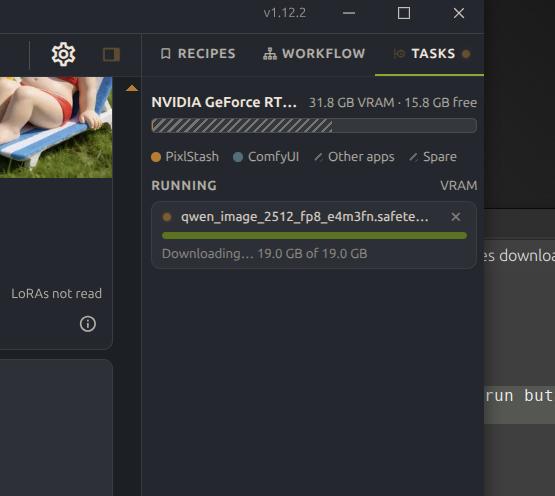
Missing models, downloaded
One press downloads a model a workflow is missing, into the folder you set in Settings › Models, and puts it on your shelf, immediately accessible for use.
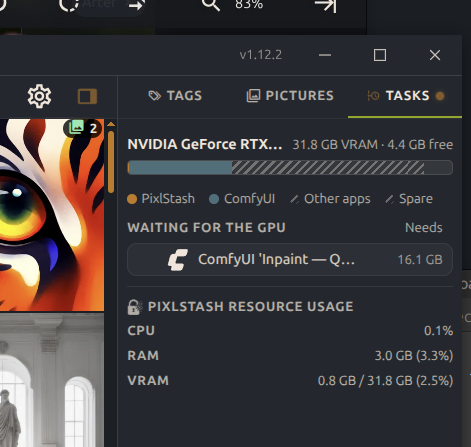
Runs wait for the GPU
A run that does not fit waits for GPU memory instead of running out of it, and PixlStash unloads its own models to make room.
New to workflows? 1.12 turned the ComfyUI workflows behind your pictures into a library you can run. Next up is 2.0: training a LoRA from your library, inside PixlStash. And it does this easier and with more managable folder management than ComfyUI itself.
See everything in 1.13A self-hosted image management platform
Automatically imports, tags and indexes your entire library.
Search, tag, drop the rubbish, and keep your best work. Access across your devices from your browser or desktop app.

Anyone drowning in images
Useful for photographers, people curating datasets or anyone else with large image collections.
Tagging, captioning and scoring on your own hardware
Semantic search and face recognition are the start. PixlStash also tags and captions with the engine you pick, scores for quality and malformed anatomy, and gives you a review queue for the labels it is least sure about.
All of it runs on your own hardware, CPU or GPU. There is no cloud API and no account to sign into.

Immich is a great self-hosted home for your photos. PixlStash does a different job.
PixlStash is a tool for working with images: sorting photos, maintaining tags, prepping a dataset, and running images through generation tools. Yes, it can also work as a home server.
It does both of the AI features Immich is known for. CLIP semantic search, face detection and recognition, text search inside pictures, and duplicate detection are all here too. Immich has mobile apps with background sync, which PixlStash does not.
On top of those, with PixlStash you get:
- Automatic tagging and captioning, with the engine selectable per request: our own PixlStash Tagger, WD14, Florence-2 or JoyCaption.
- A tag review queue and a tag health board, so auto-tags are verified before they're trusted.
- Quality, anomaly and character-likeness scoring, so a large set sorts by what is worth looking at.
- Segmentation, reverse face search, reverse likeness search, and a choice of GPU or CPU backend.
- Two-way ComfyUI integration: control ComfyUI from PixlStash, or call PixlStash's nodes from your own workflows. Generated images return tagged, with People, Picture Set, and Project associations attached.
- A library of your ComfyUI workflows, built from your own pictures, and the recipe behind every picture you made.
- A model overview. Keep track of your diffusion models.
- Every AI feature, side by side with Immich's, and other work features