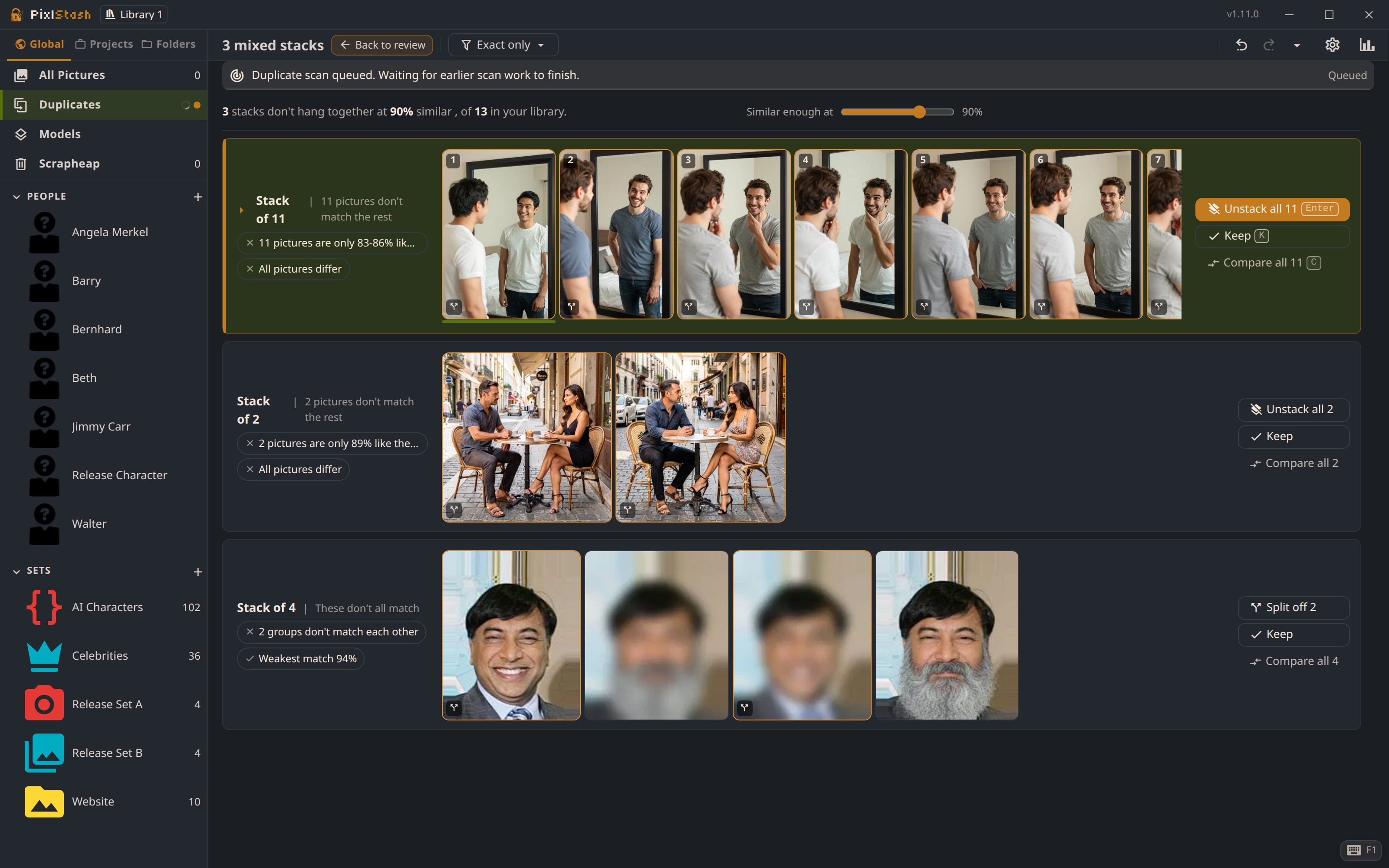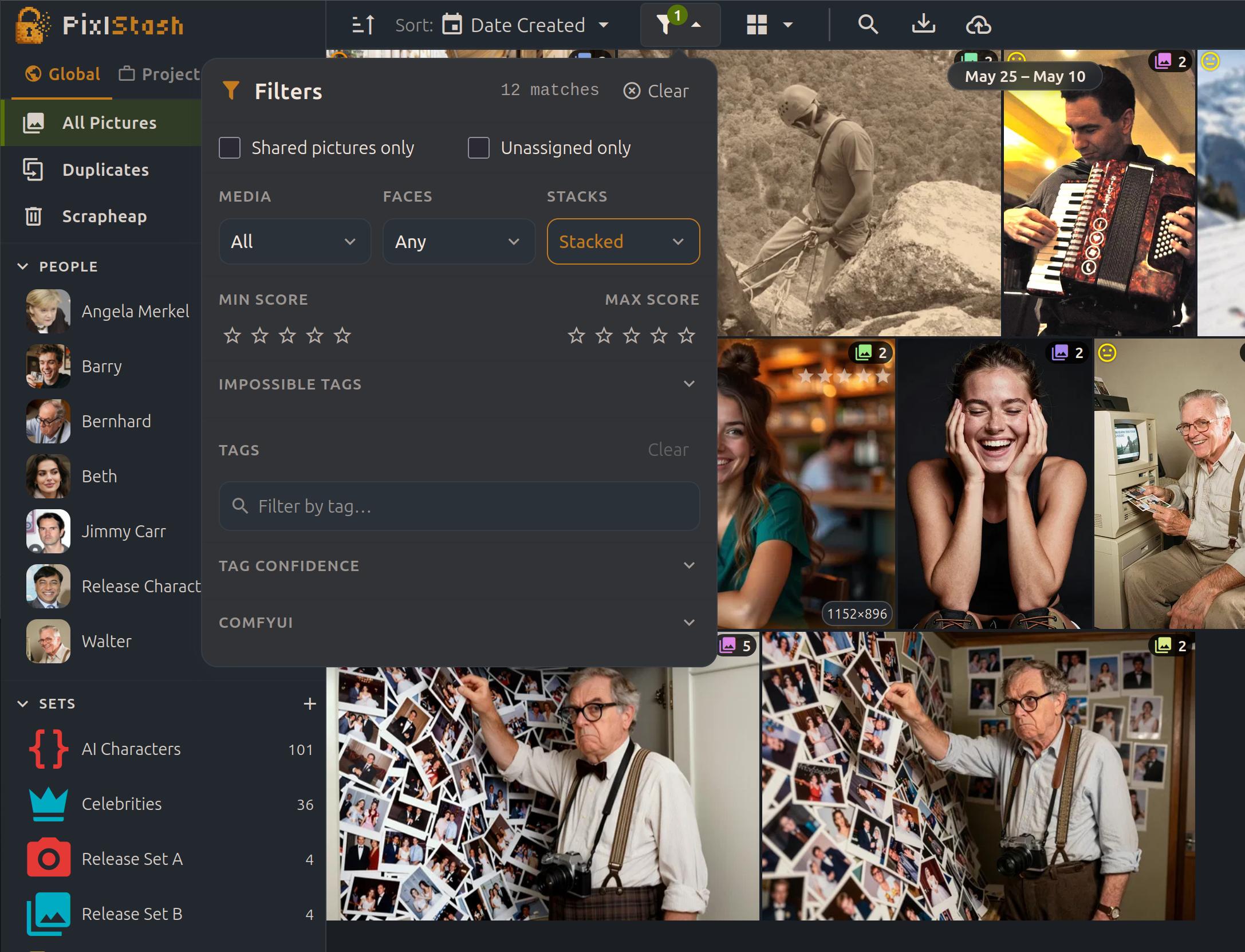
PixlStash 1.5

Snapshots and restore with a full API

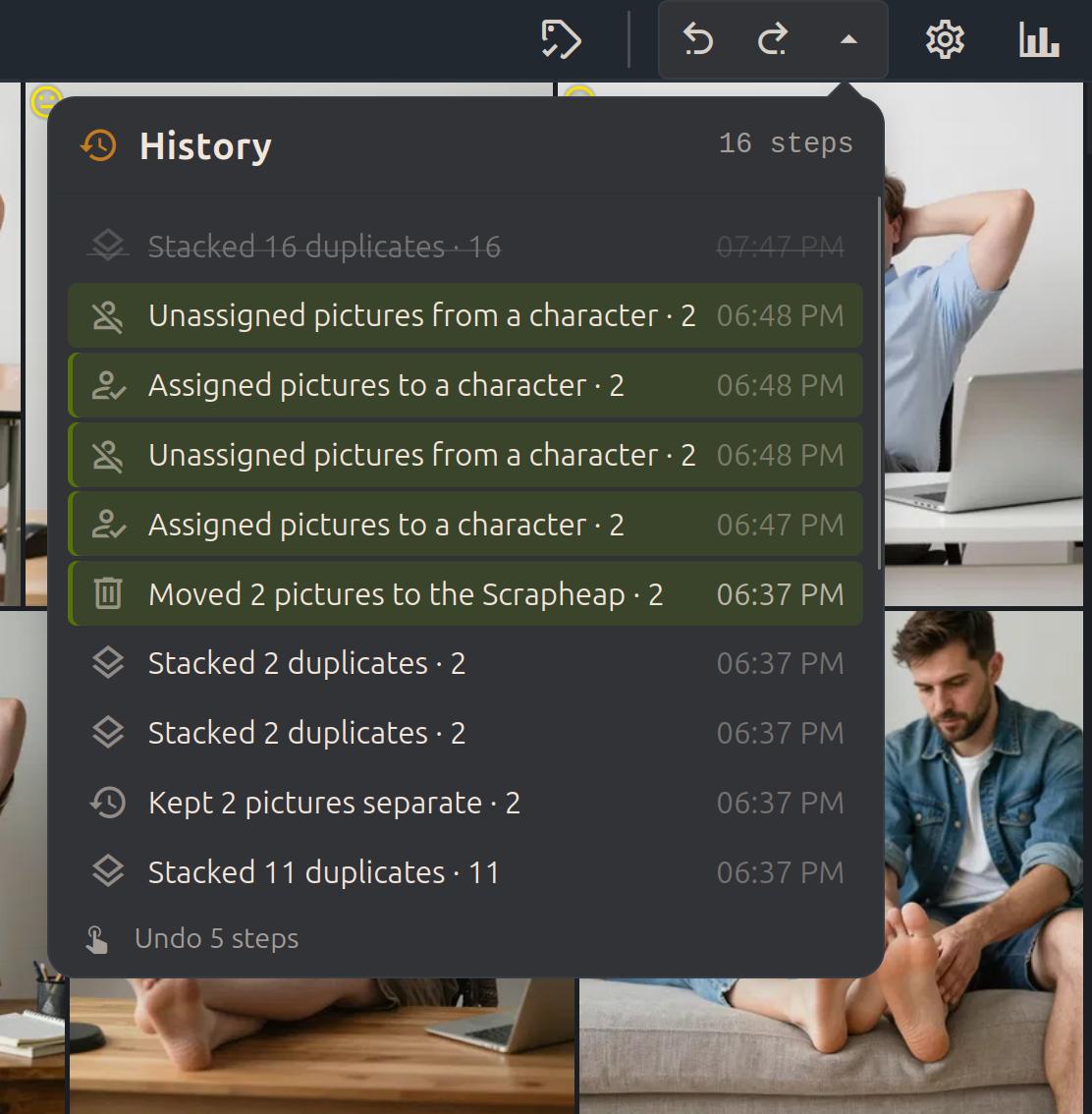
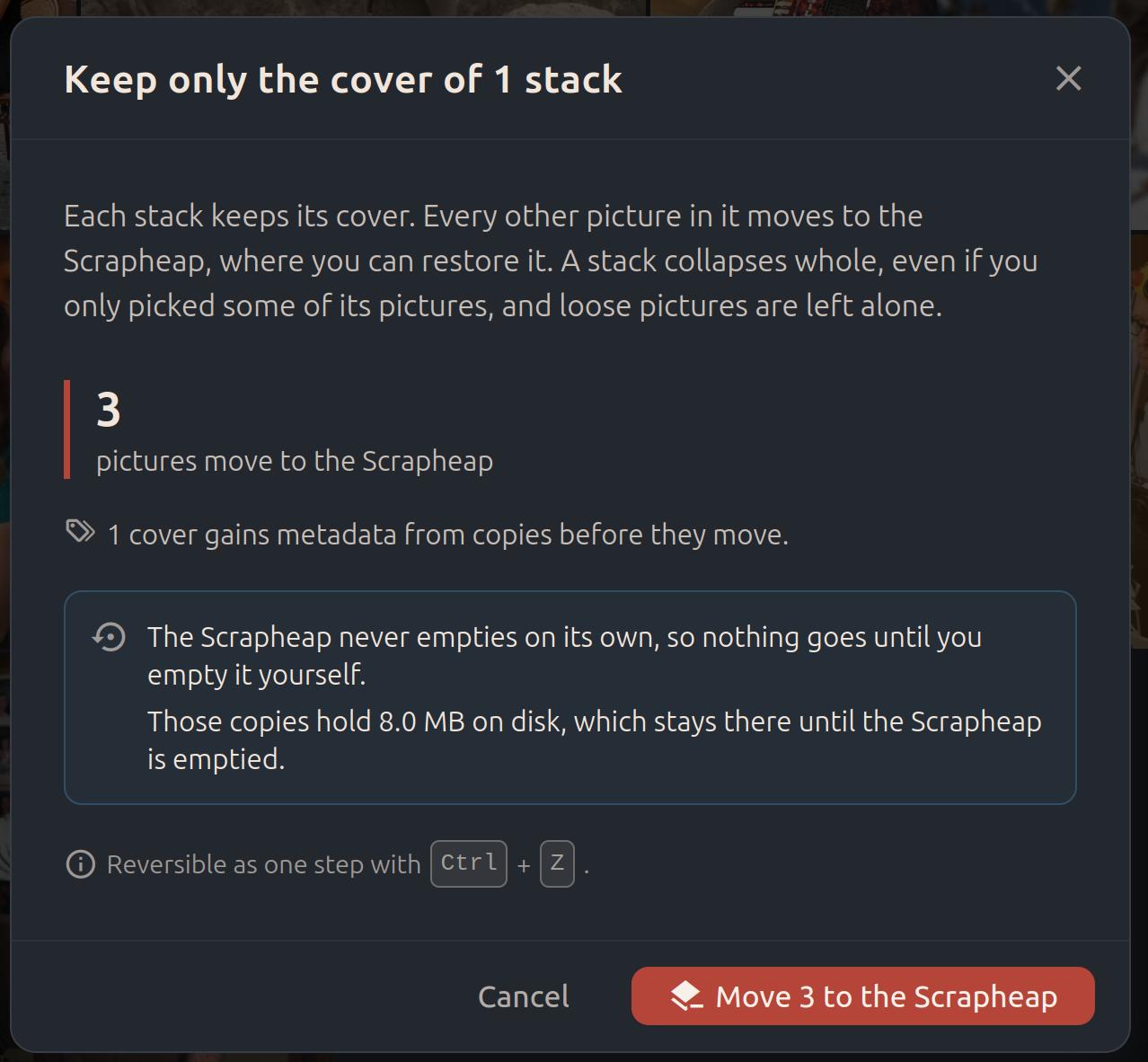
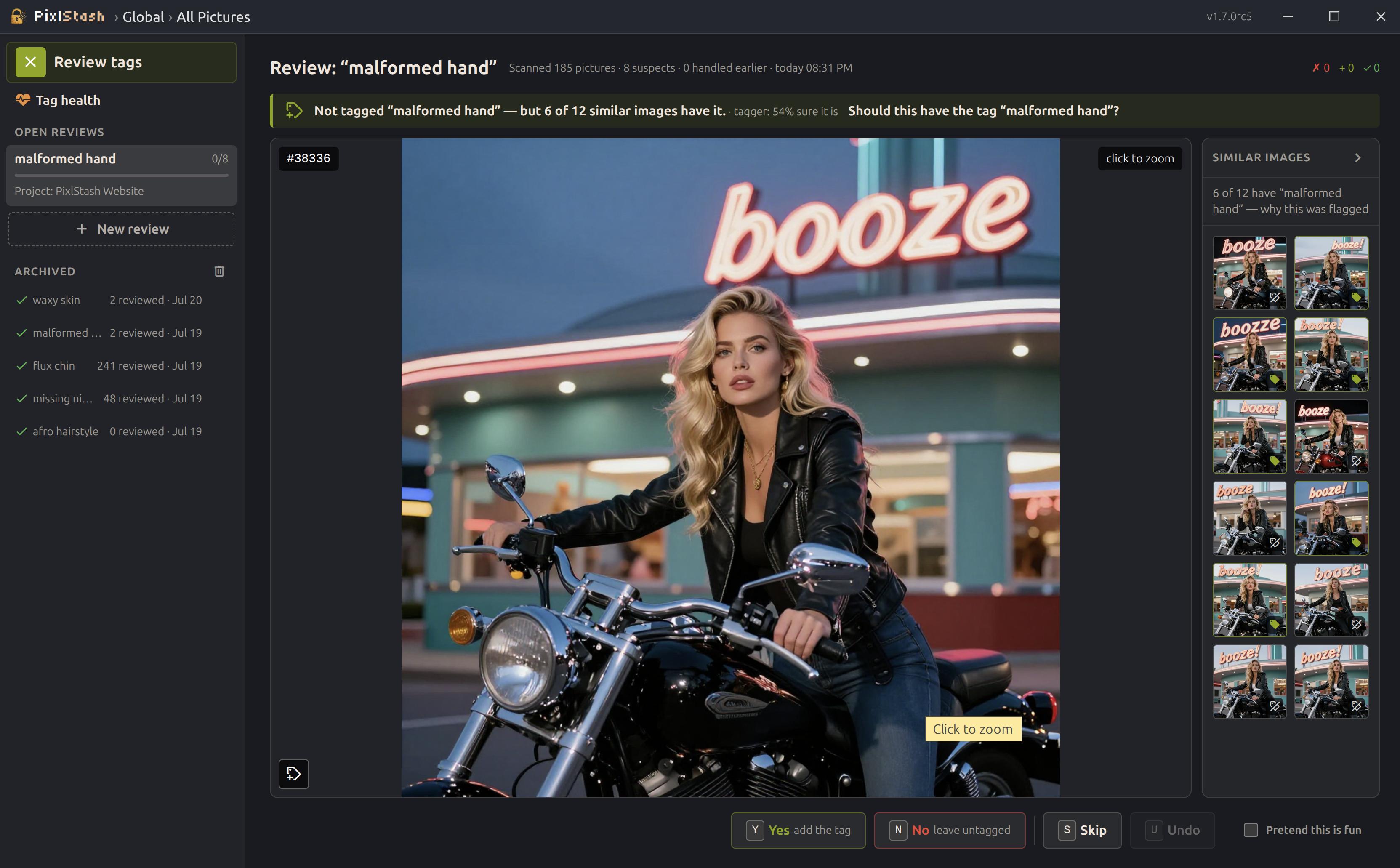
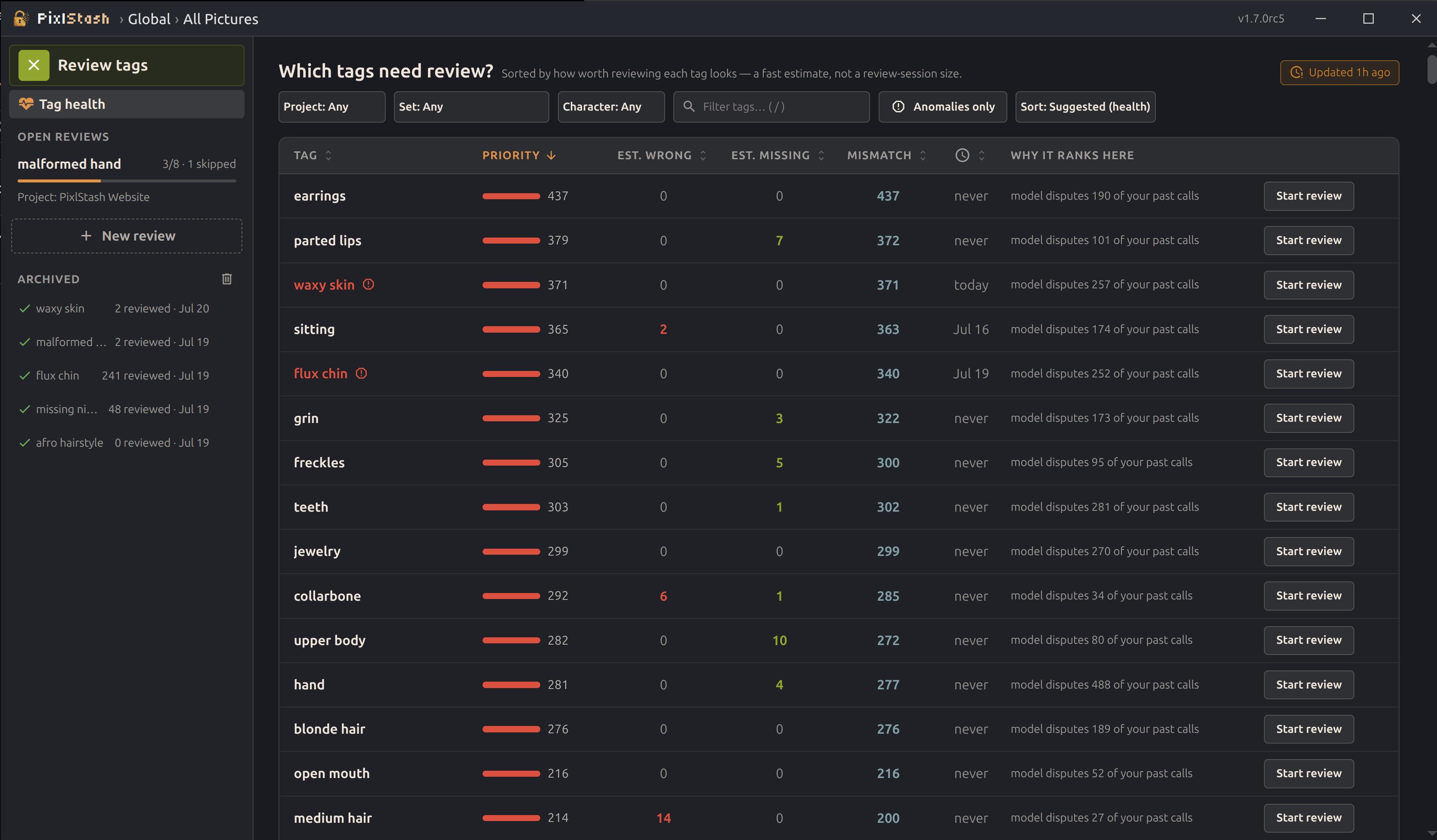
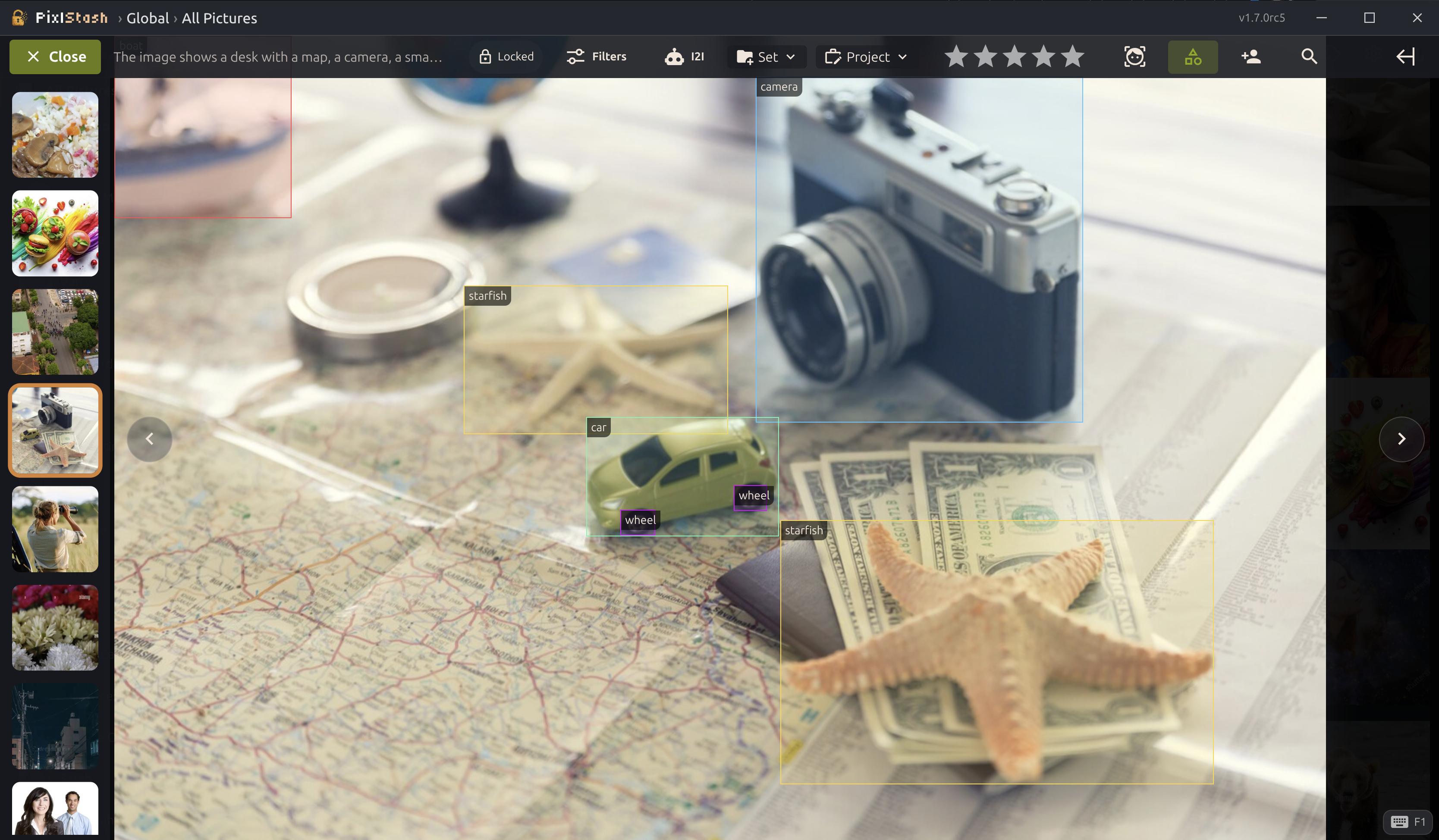
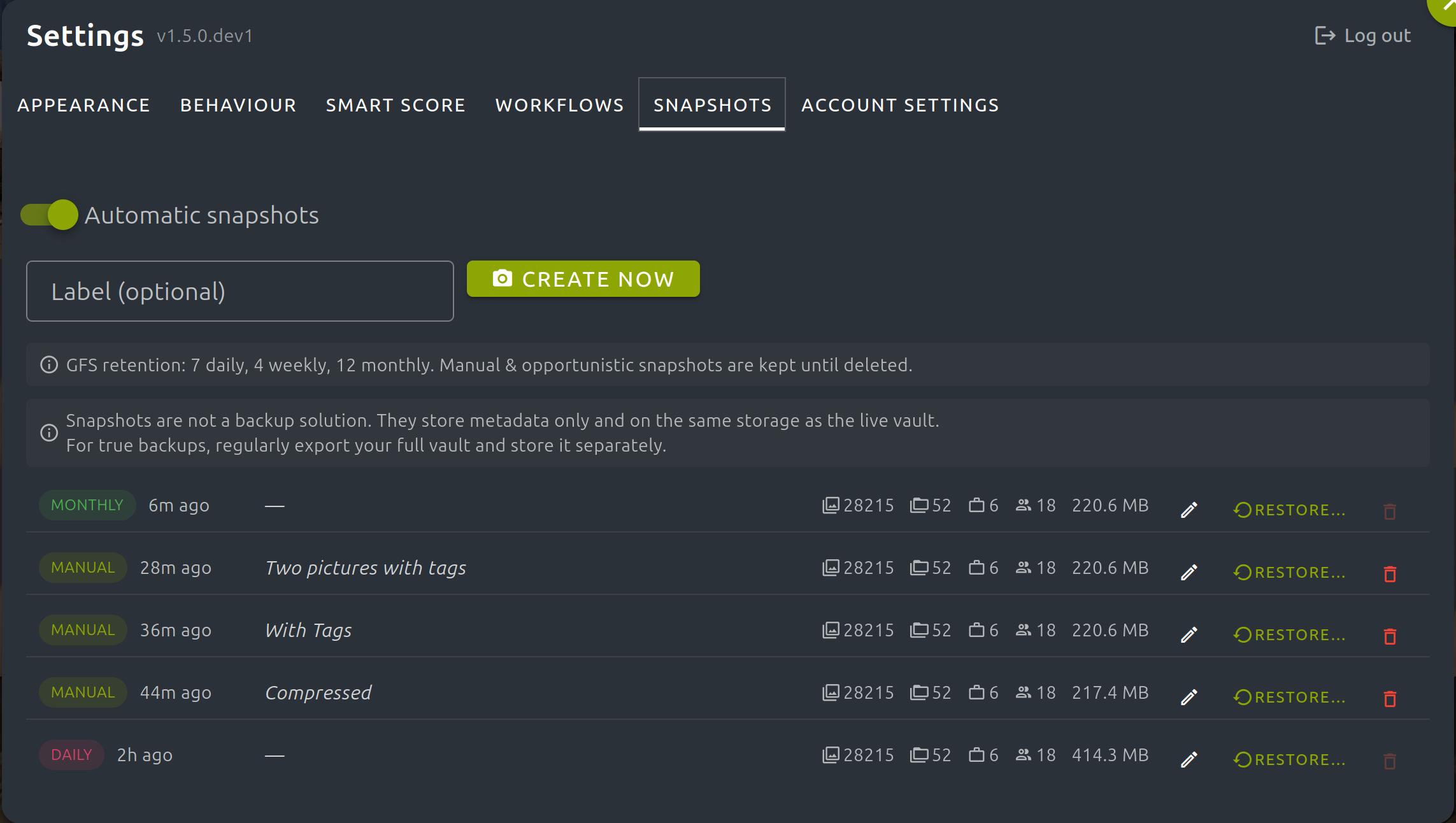
PixlStash 1.5 puts a safety net under all your organising work. Automatic, compressed snapshots capture your library's metadata: tags, scores, faces, descriptions, and how everything is organised, so any mistake is one click from undone. Roll all your metadata back, or restore just the pictures you select.

(Your image files are never touched.)

  • Automatic daily / weekly / monthly snapshots, compressed with zstd
  • Full metadata restore with an automatic safety snapshot
  • Selective restore of just the pictures you choose
  • Breadcrumb navigation and drag characters & sets between projects
  • A clean snapshot & restore REST API
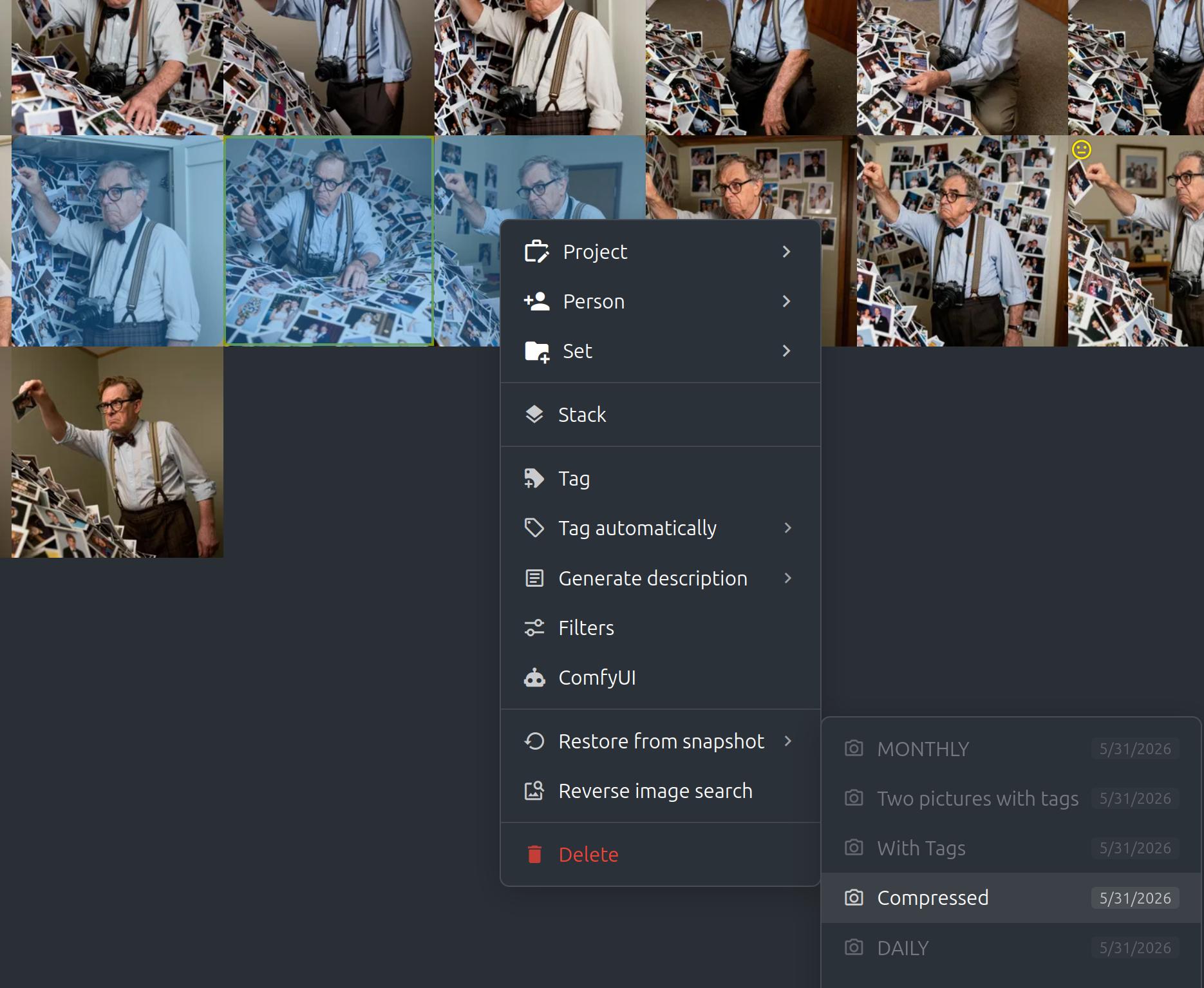
PixlStash 1.5 — snapshots panel with daily, weekly, and monthly restore points

Restore only what you choose

A full restore rolls all your metadata back to a point in time, but you don't always want that. Select any pictures and restore just their metadata from a snapshot, leaving everything else exactly as it is.

Selective restore previewing exactly which selected pictures will change
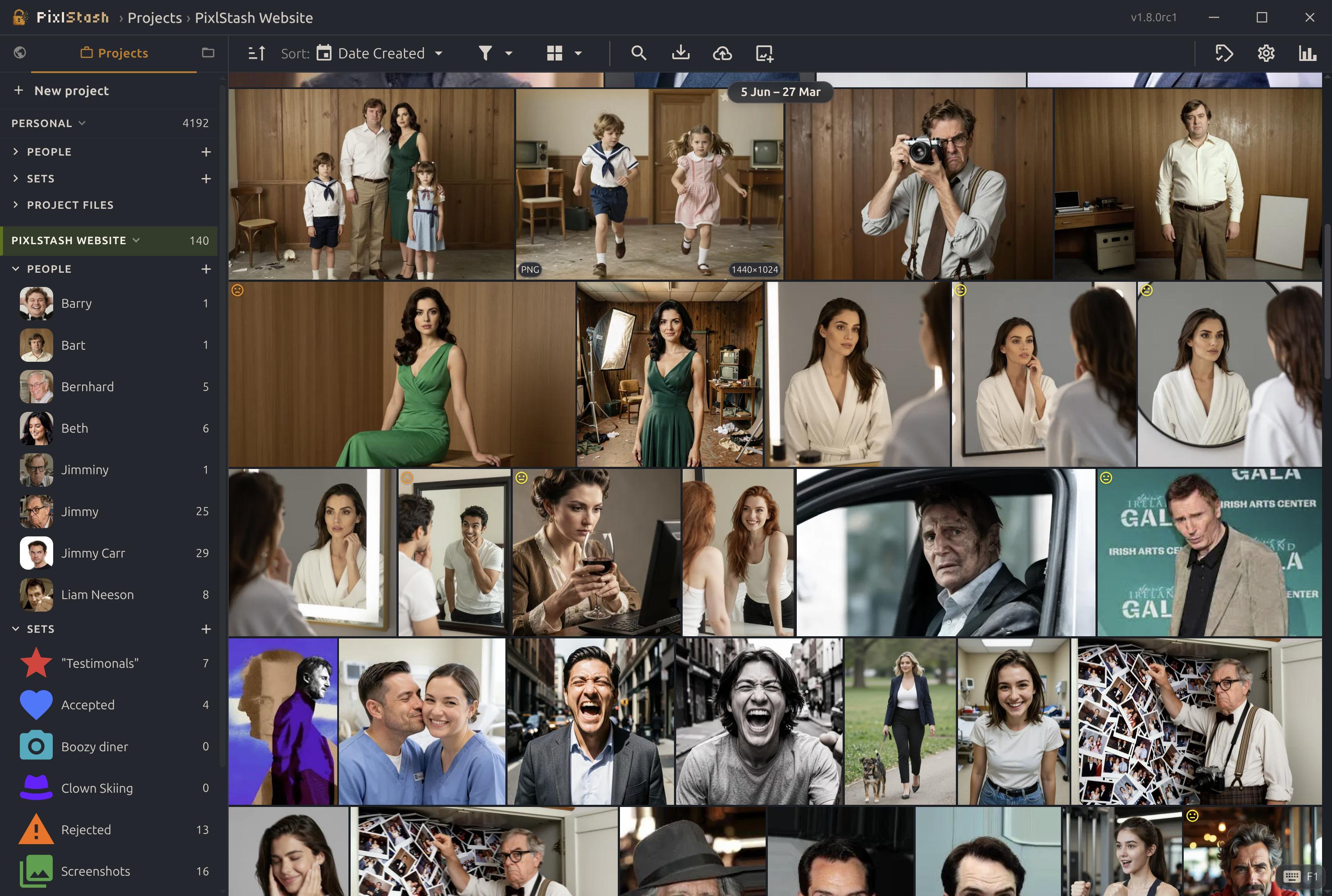
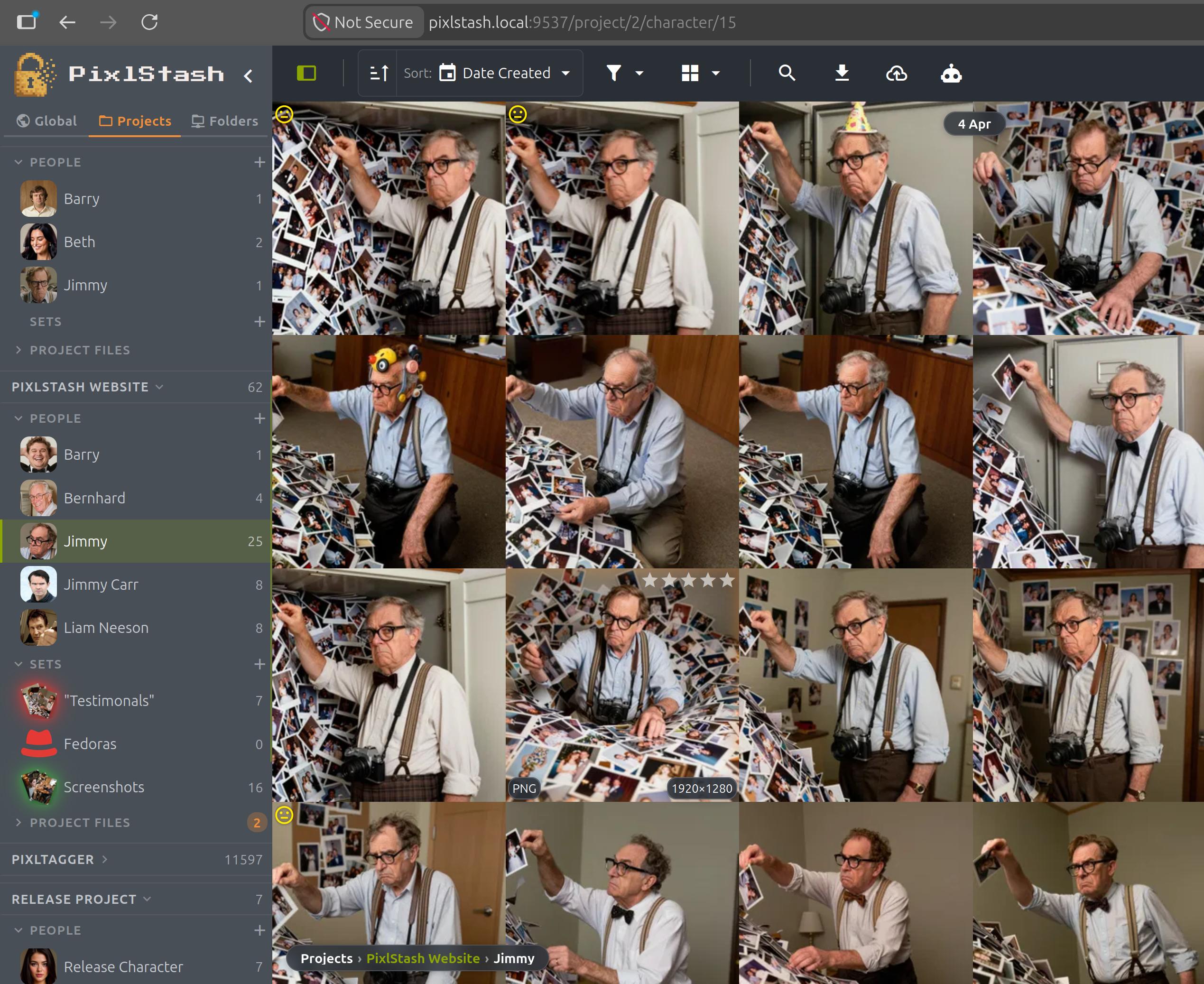
Breadcrumb navigation showing the path to the current view in PixlStash

Find your way with breadcrumbs

A breadcrumb trail above the grid always shows where you are: project, character, or set. This allows you to jump back up the hierarchy with a single click. No more guessing how you reached a view or navigating back from scratch.

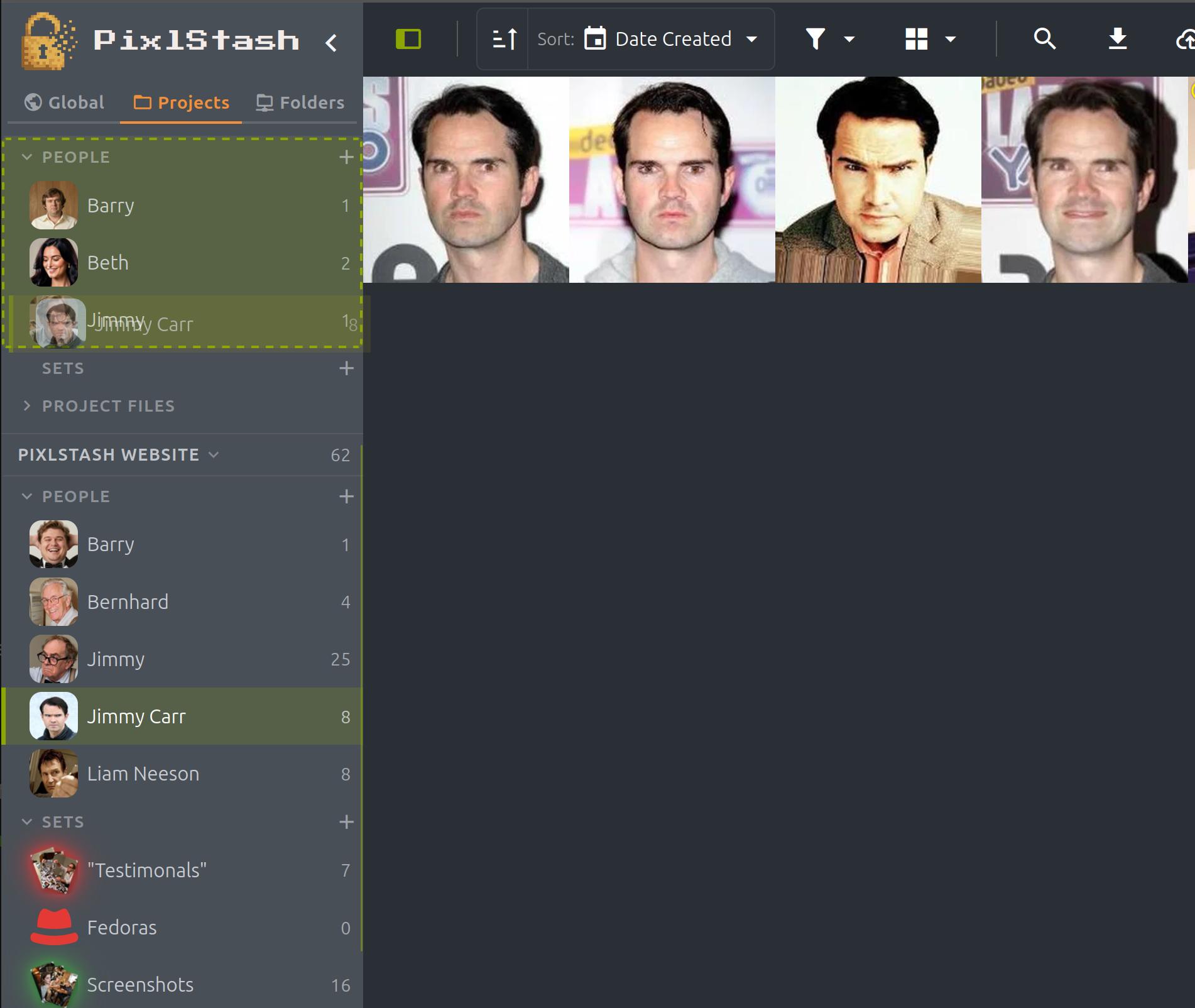
Dragging a character onto a different project in the PixlStash sidebar

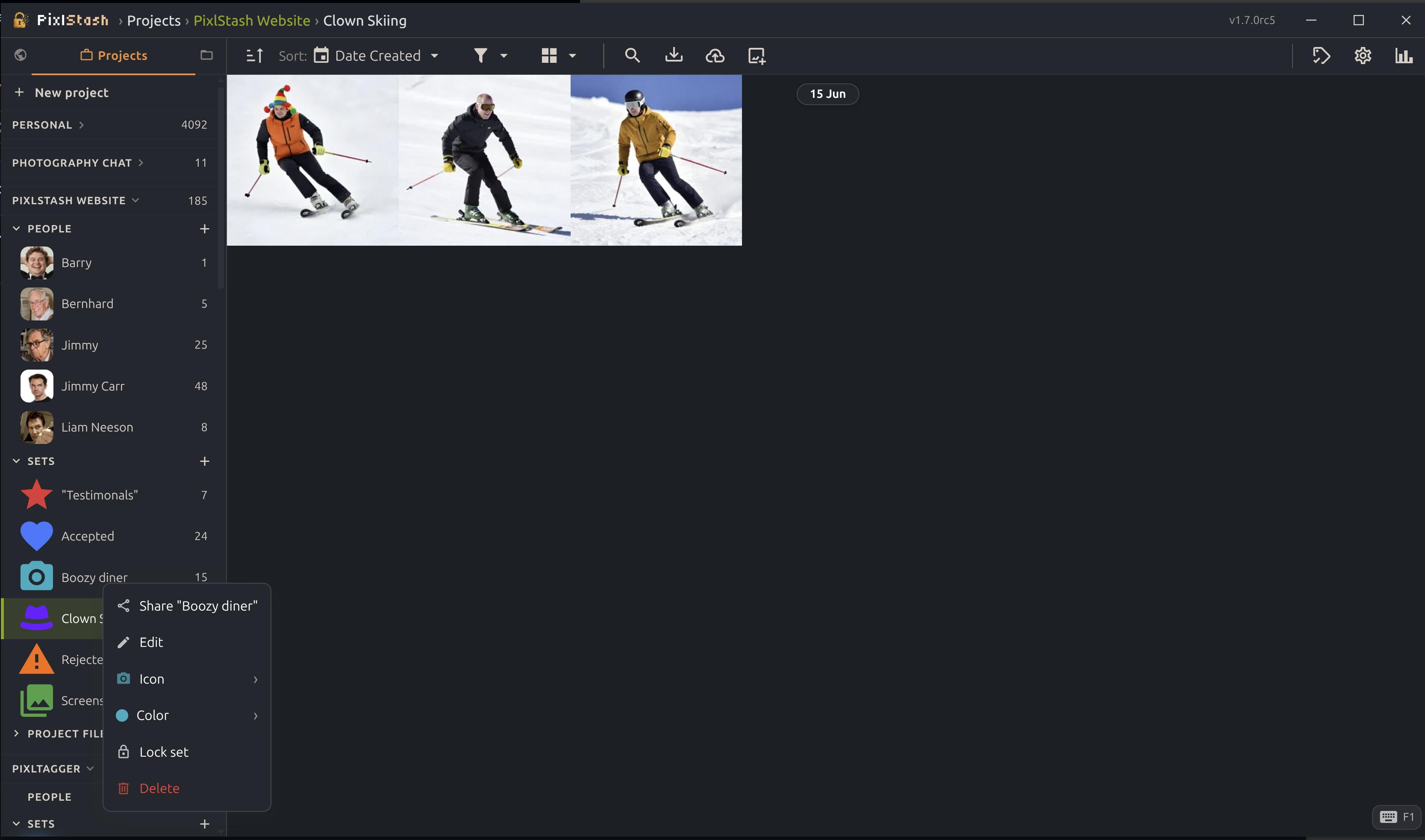
Drag characters & sets between projects

Reorganise on the fly: grab a character or picture set in the sidebar and drop it onto another project. Their pictures are re-assigned for you — reference-aware, so a picture that still belongs elsewhere stays put. Reshaping large libraries is now a drag away.

Snapshots without the disk bill — or the wait

A snapshot copies only your metadata database — never the image files, which would be wildly impractical to duplicate over and over. That database is compressed with zstd for roughly a 3× saving, yet still keeps the expensive parts — CLIP embeddings and face data — so a restore comes back fully populated with no re-tagging or re-embedding pass afterwards. Retention follows a true grandfather-father-son policy: the most recent 7 daily, 4 weekly, and 12 monthly snapshots are kept and the oldest are pruned for you.

The snapshot & restore API

Everything the snapshots panel does is a plain REST call, so you can script metadata snapshots and restores straight into your own pipelines. Authenticate with an owner token and talk to the endpoints under /api/v1.

Every request carries an owner token: Authorization: Bearer <token>
GET /snapshots

List every restore point, newest first.

Request
curl -H "Authorization: Bearer $TOKEN" \
     https://your-server/api/v1/snapshots
Response
[
  {
    "id": 42,
    "kind": "DAILY",
    "label": null,
    "created_at": "2026-05-31T06:42:37Z",
    "picture_count": 1030,
    "byte_size": 4523754,
    "is_compatible": true
  }
]
POST /snapshots

Take a manual snapshot right now, optionally labelled.

Request
curl -X POST https://your-server/api/v1/snapshots \
     -H "Authorization: Bearer $TOKEN" \
     -H "Content-Type: application/json" \
     -d '{"label": "before big cleanup"}'
Response
{ "id": 51, "kind": "MANUAL", "label": "before big cleanup", "picture_count": 1030 }
GET /snapshots/{id}/restore/preview

Dry-run a full restore — it counts only what actually changes.

Response
{
  "summary": {
    "pictures_to_revert": 12,
    "pictures_to_recreate": 3,
    "pictures_to_delete": 1,
    "pictures_unchanged": 1014,
    "missing_files": 0
  },
  "warnings": []
}
POST /snapshots/{id}/restore

Restore all metadata to this snapshot — a safety snapshot is taken first.

Request
curl -X POST https://your-server/api/v1/snapshots/42/restore \
     -H "Authorization: Bearer $TOKEN"
Response
{ "snapshot_id": 42, "resource_type": "full", "missing_files_count": 0, "errors": [] }
POST /snapshots/{id}/restore/batch

Selective restore — bring back only the resources you list.

Request — curl
curl -X POST https://your-server/api/v1/snapshots/42/restore/batch \
     -H "Authorization: Bearer $TOKEN" \
     -H "Content-Type: application/json" \
     -d '{"resources": [{"type": "picture", "id": 8123},
                        {"type": "picture", "id": 8124}]}'
Request — Python
# pip install requests
import requests

r = requests.post(
    "https://your-server/api/v1/snapshots/42/restore/batch",
    headers={"Authorization": f"Bearer {token}"},
    json={"resources": [{"type": "picture", "id": 8123}]},
)
print(r.json())  # {'snapshot_id': 42, 'upserted_count': 1, 'errors': []}
Response
{ "snapshot_id": 42, "upserted_count": 2, "errors": [] }

Ready to upgrade?

Follow upgrade steps for pip, Docker, Windows installer, or source builds.

Previous release — PixlStash 1.4
PixlStash 1.4

Search by picture, face, and meaning

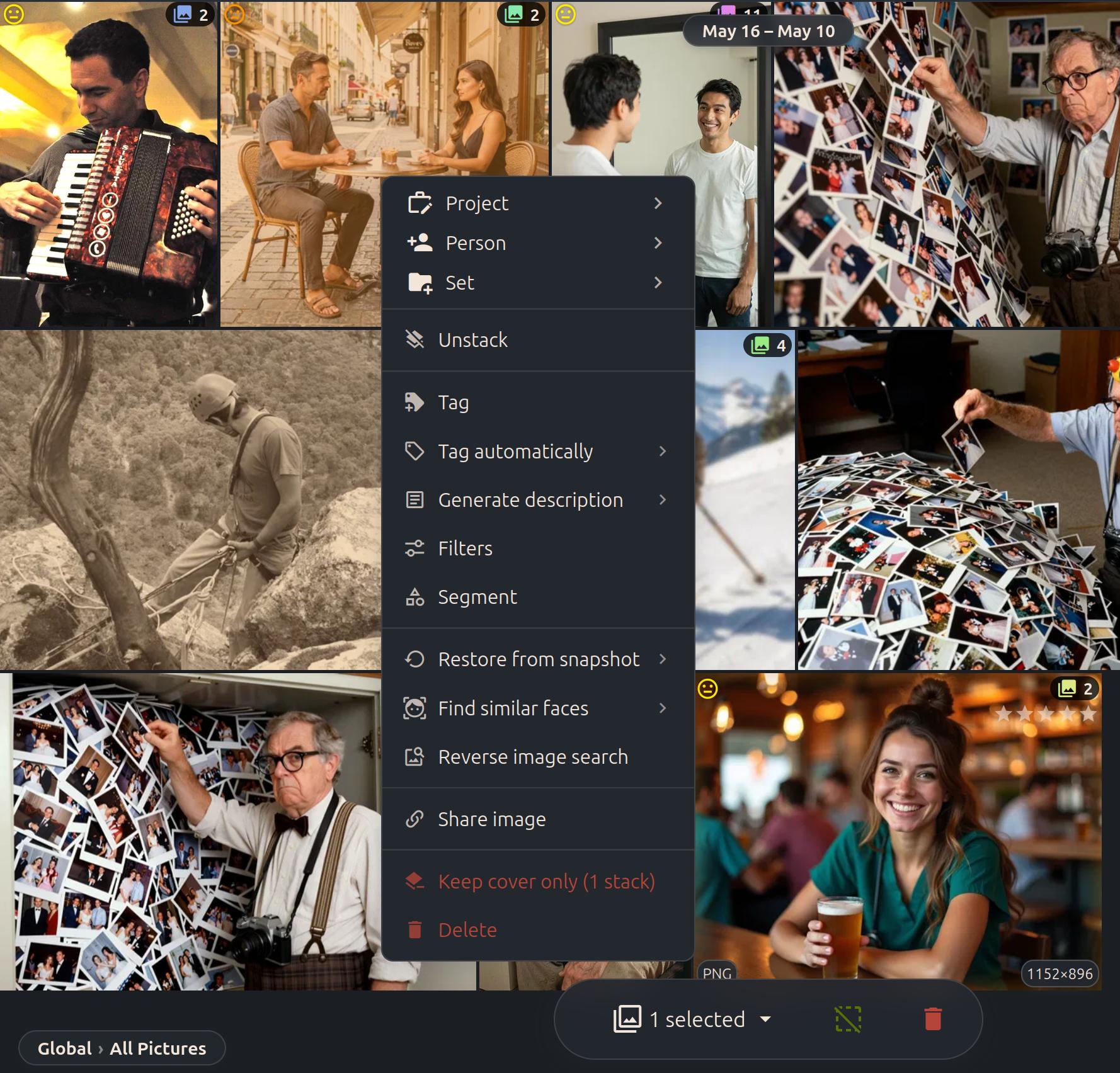
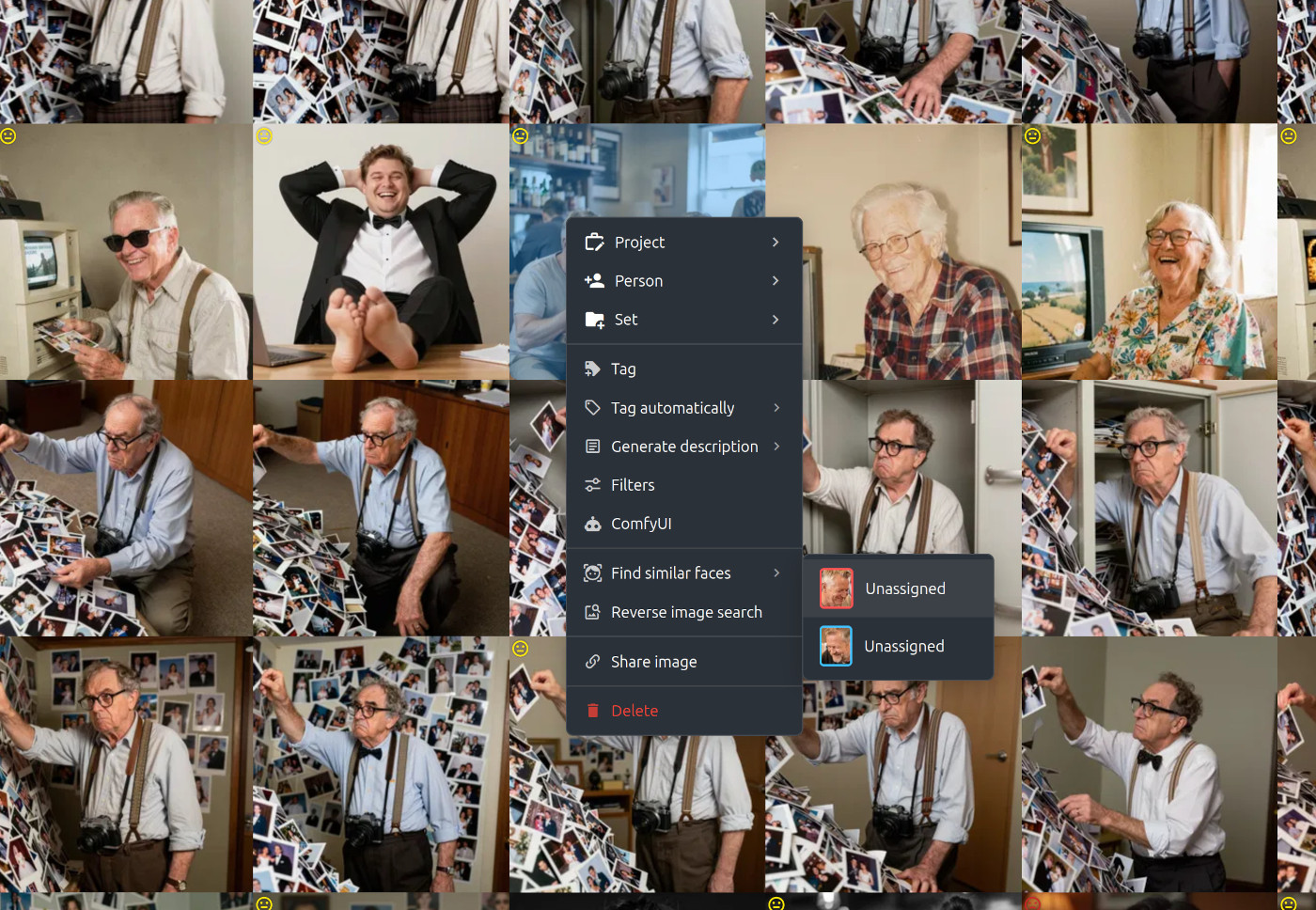
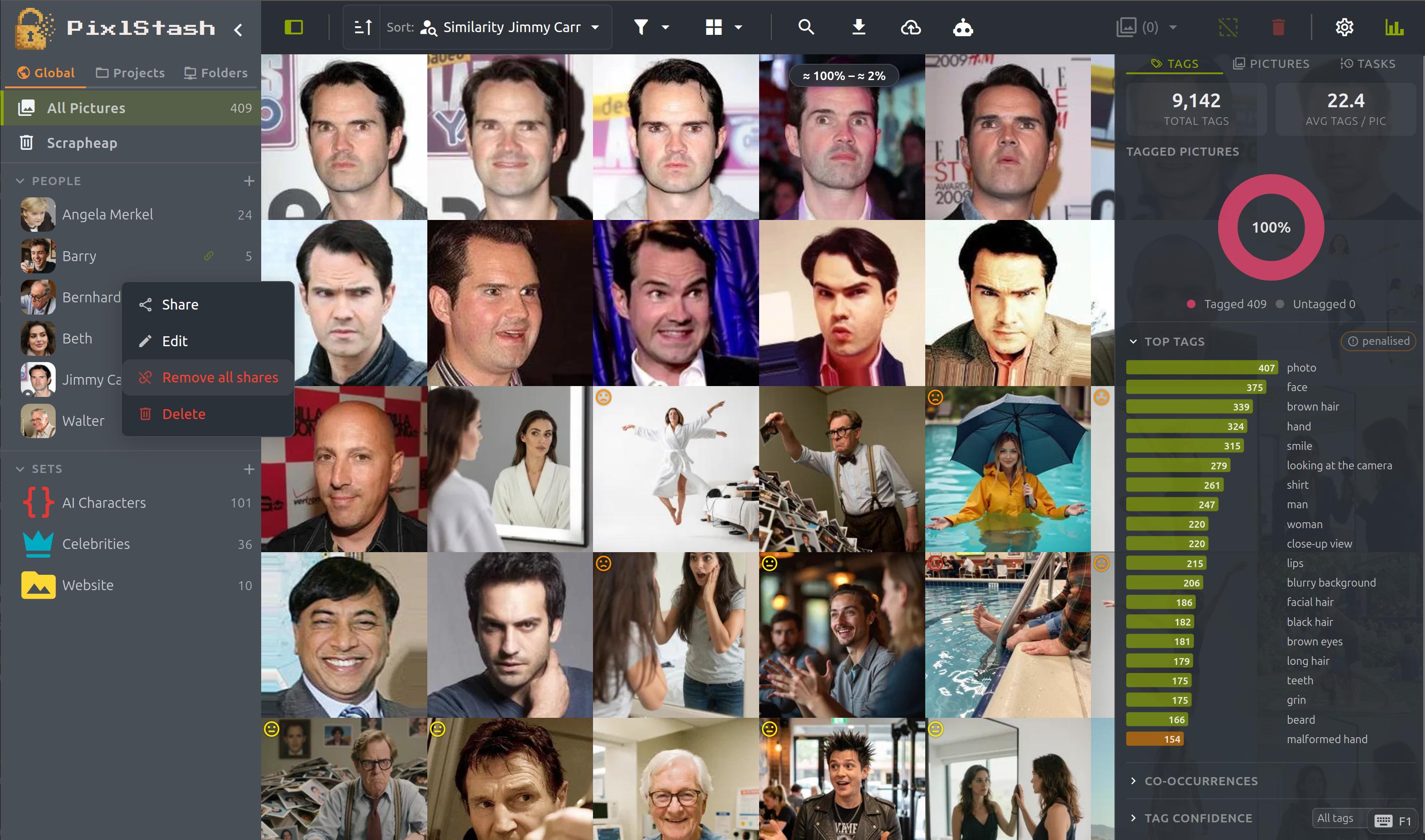
PixlStash 1.4 adds powerful new ways to find pictures. Reverse image search is now a right-click away in the grid and with a full API, wired straight into your generation workflows with the new ComfyUI-PixlStash nodes.

PixlStash 1.4 — context menu with reverse image search and find similar faces

Search from any ComfyUI workflow

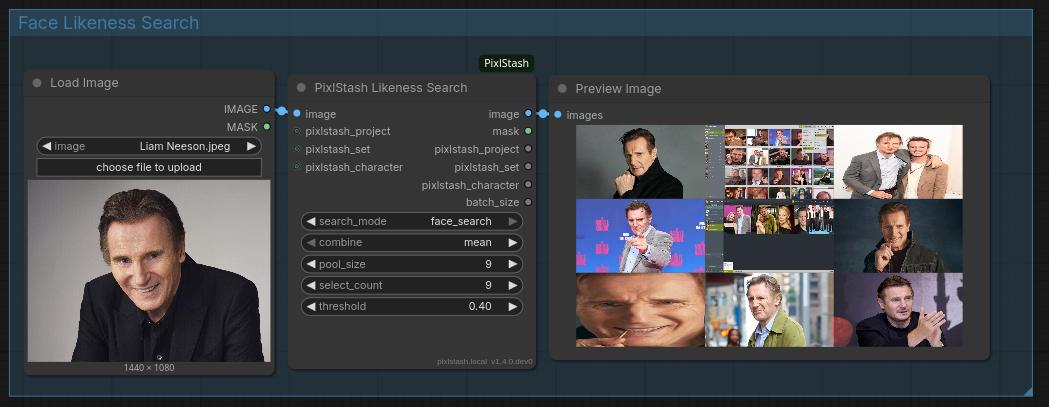
The ComfyUI-PixlStash nodes expose PixlStash search inside ComfyUI. Drop in a reference image and the PixlStash Likeness Search node returns the closest matches from your library. Switch between face_search and picture_likeness modes to match on a person or on an overall picture. Store the pictures straight back into your library with the Picture Saver node.

ComfyUI graph using the PixlStash Likeness Search node in face search mode
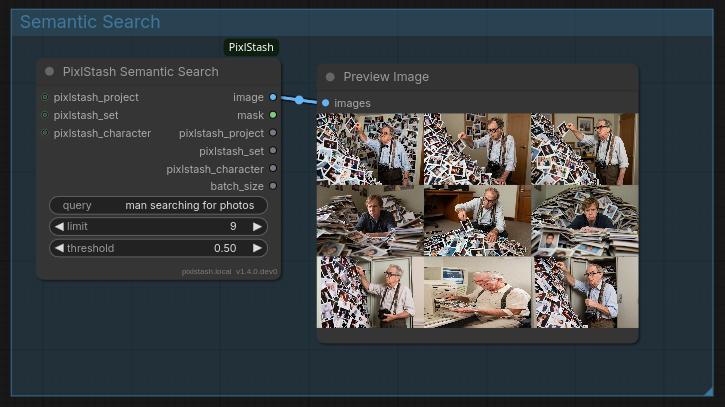
ComfyUI graph using the PixlStash Semantic Search node with a text query

Semantic search by description

Describe what you're looking for in plain language: "man searching for photos" and the PixlStash Semantic Search node returns matching pictures ranked by relevance, with a similarity threshold and result limit you control.

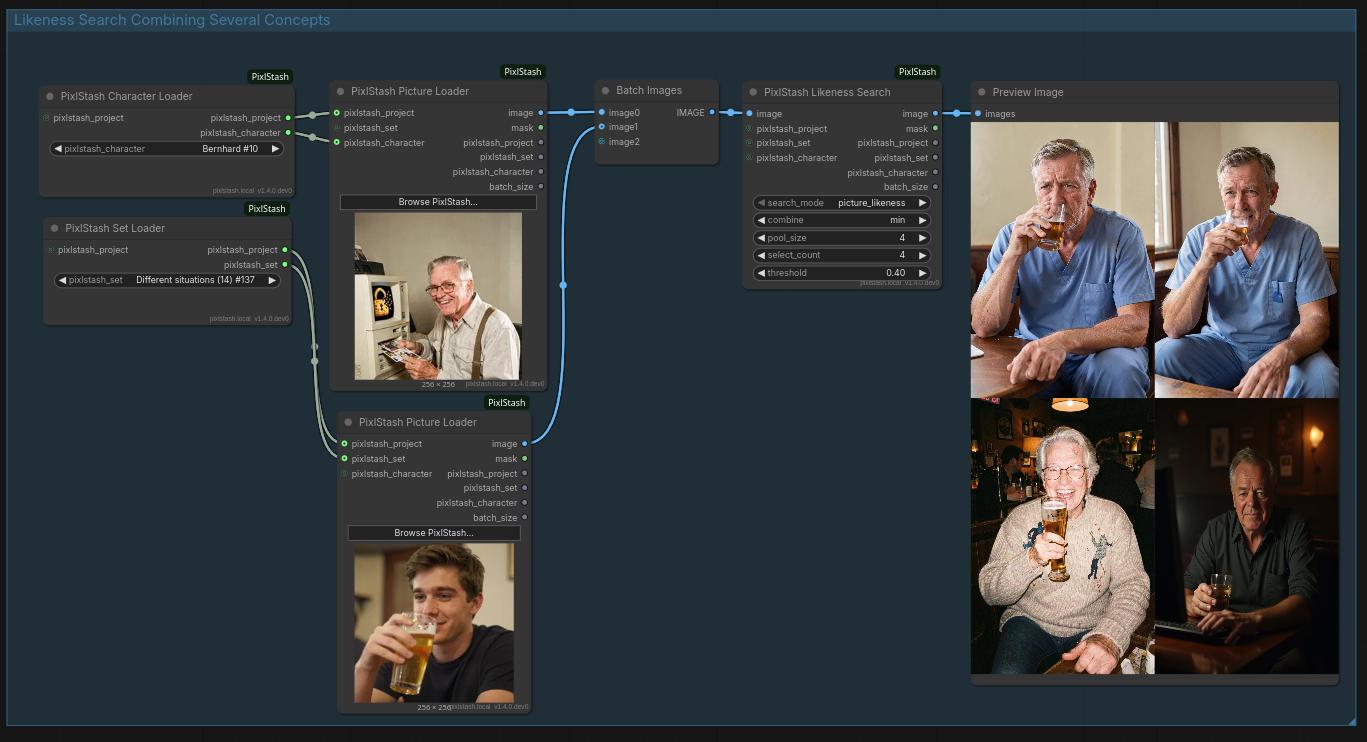
ComfyUI graph batching multiple references into a single PixlStash likeness search

Combine several concepts

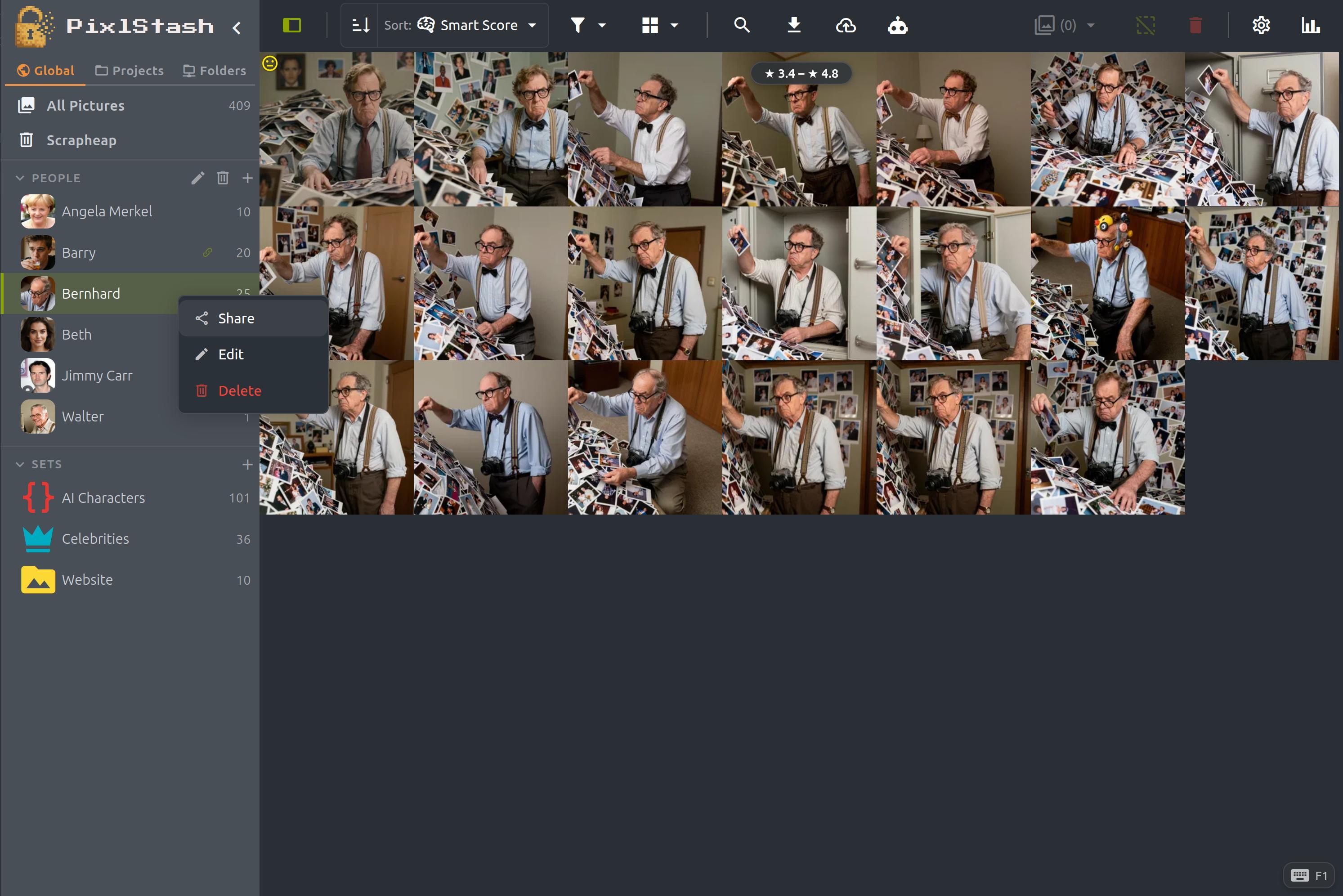
Batch multiple characters, sets, and individual pictures into a single likeness search and combine them with mean or min. Surface the pictures closest to all of your inputs at once, not just one. Old man drinking beer by a river? No problem!

Even faster grid loading

The grid keeps getting quicker. 1.4 builds on the 1.3 loading overhaul with further optimisations, so even very large libraries feel more responsive as you scroll, filter, and search.
Previous release — PixlStash 1.3
PixlStash 1.3

Snappy grid, smarter tagging

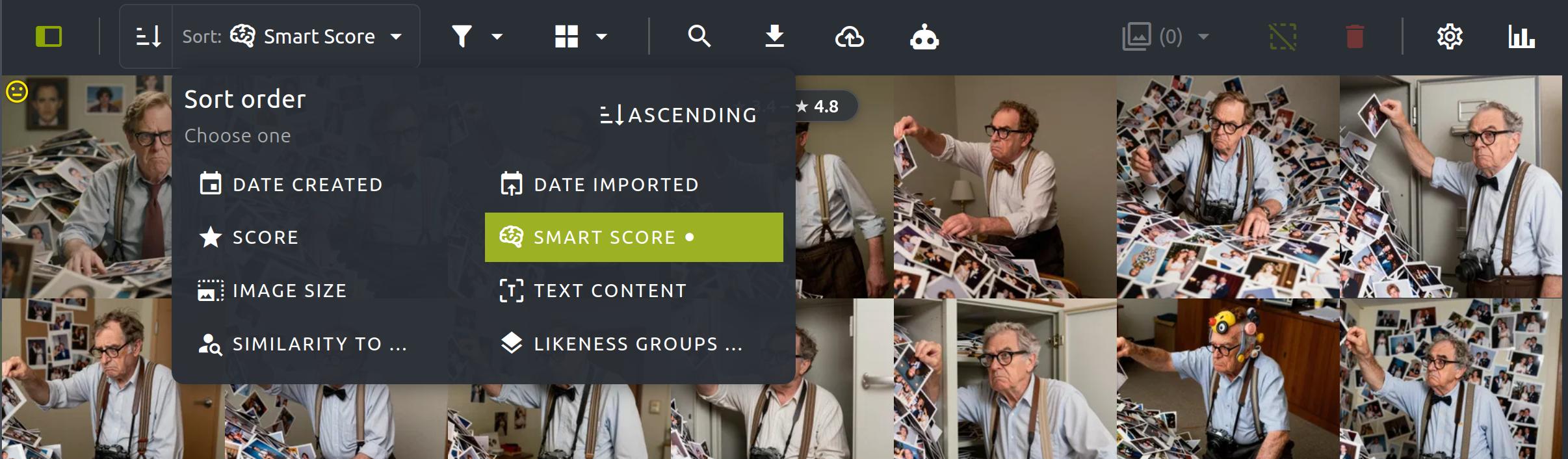
The image grid now loads visually very quickly and fills in details asynchronously — even at 30 000+ images it feels snappy. Plus full JoyCaption support, selectable tag and description engines, and a URL that remembers where you were.

  • Dramatically faster grid — visual content appears immediately
  • JoyCaption support for tagging and image descriptions
  • Choose your tag or description engine per-request
  • Persistent view URLs — refresh and stay exactly where you were
  • Drag tags to accept or reject them in the tag panel
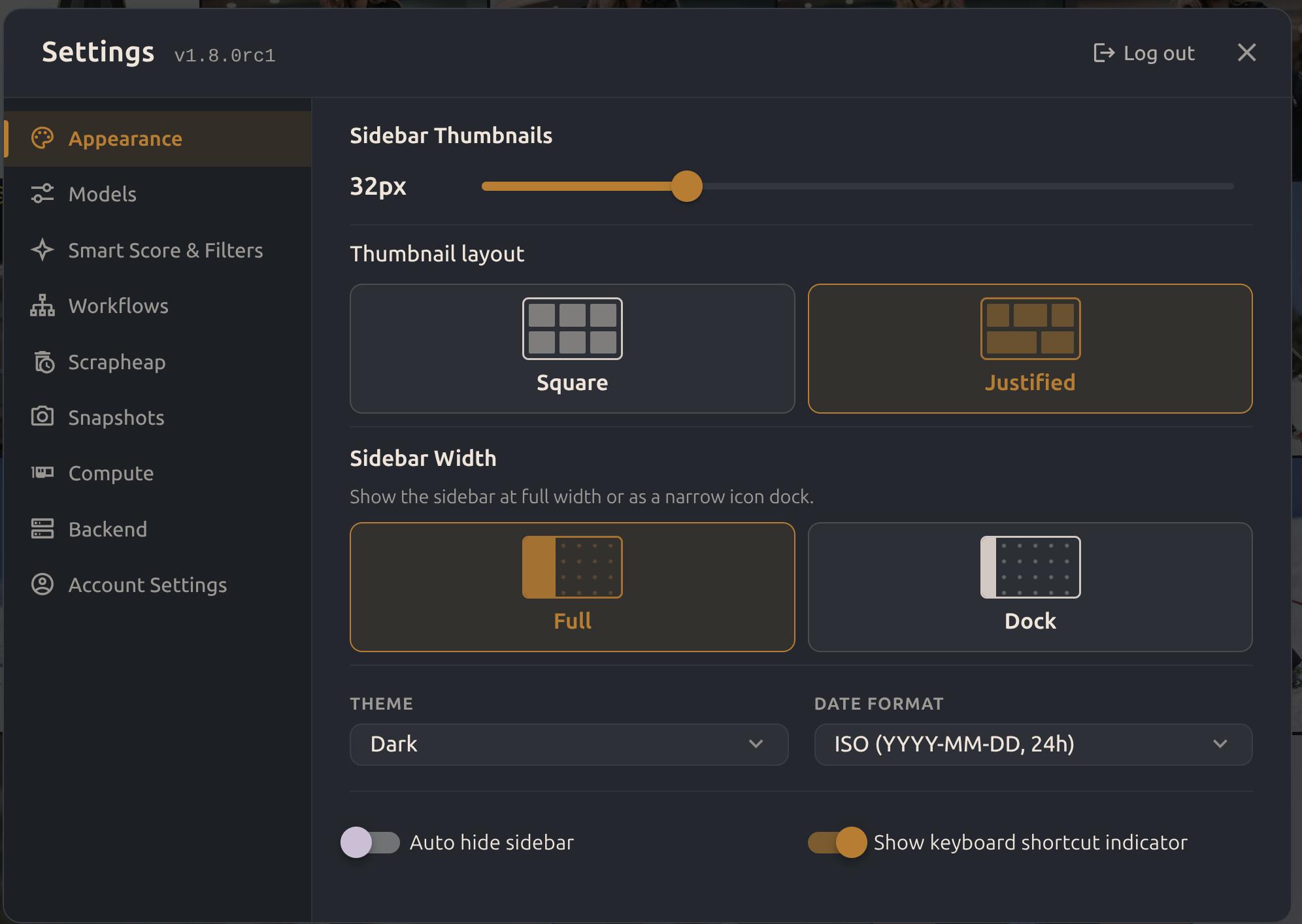
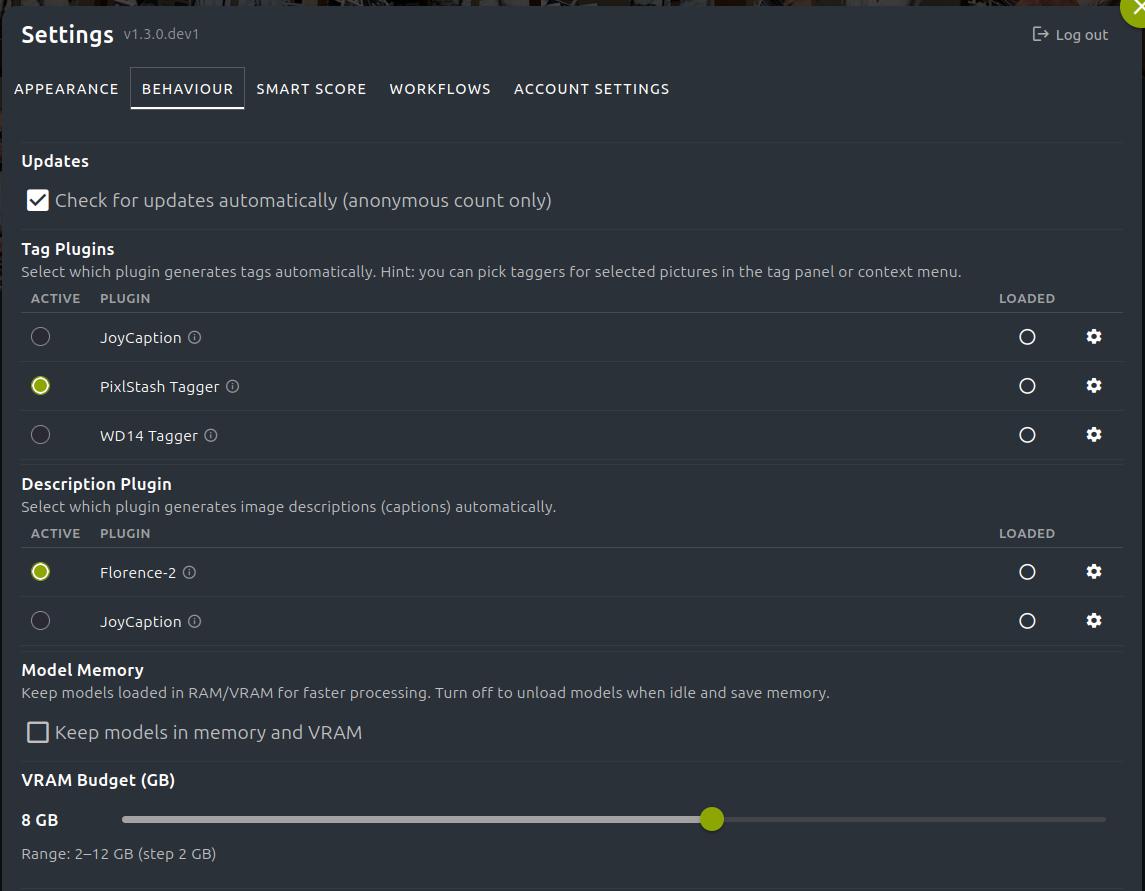
PixlStash 1.3 — tagger and description engine settings
Tagger and description plugin settings in PixlStash 1.3

Selectable tagger & description engines

The settings page now lets you choose which plugin handles automatic tagging and which generates image descriptions. Each engine has its own parameter controls — tweak precision, prompt style, and thresholds without leaving the settings panel.

Browser URL bar showing a persistent PixlStash view URL

Persistent view URLs

Every view — grid, character, picture set, project — now has its own URL. Bookmark it, share it with a teammate, or simply refresh and land exactly where you left off. No more navigating back from scratch after an accidental reload.

One-click tagging & descriptions

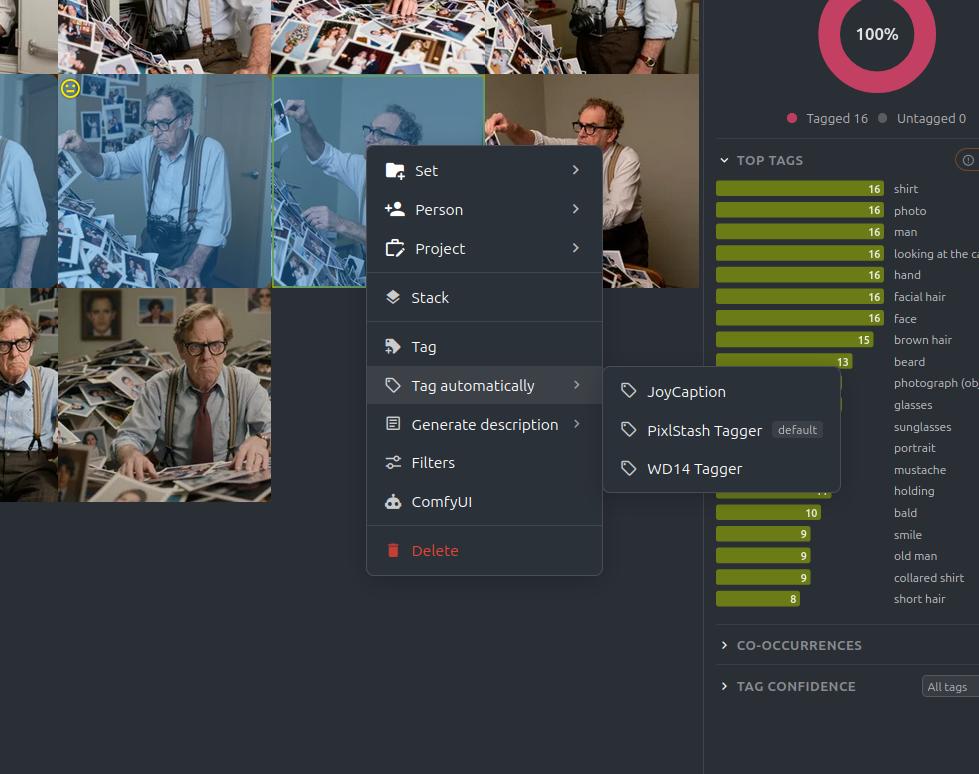
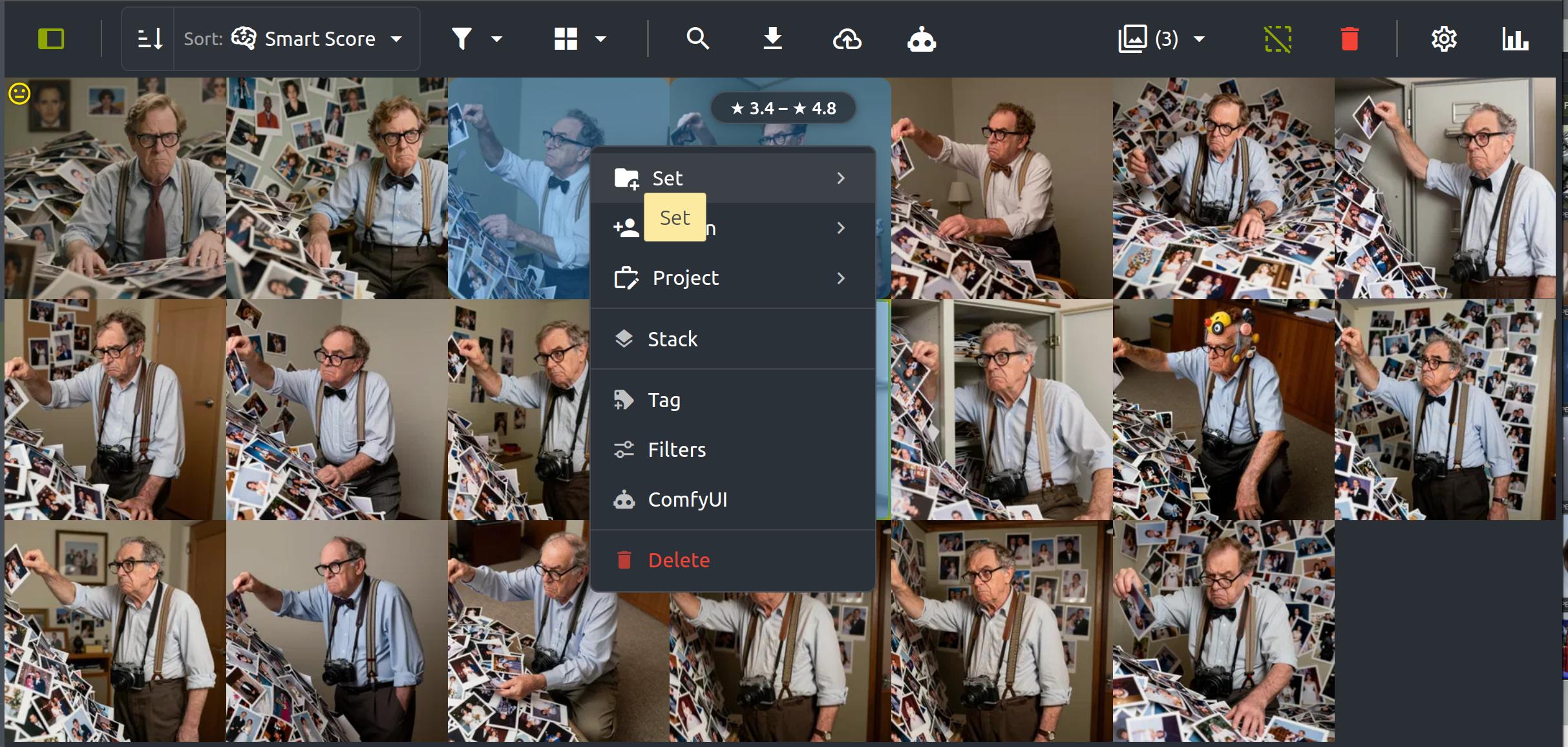
Right-click any image (or use the selection toolbar) to re-tag or regenerate a description using the engine of your choice. A hover submenu lists every available model so you can pick the right one for the job without touching the settings page.

Context menu with Tag automatically and Generate description submenus

Snappy grid loading

The image grid renders the visual content immediately and fills in metadata — scores, tags, faces — asynchronously in the background. The result is a dramatically snappier feel: thumbnails appear before the first server response has even finished, and the grid stays responsive while data loads in. This is the single biggest day-to-day improvement in 1.3.

Previous release — PixlStash 1.2
PixlStash 1.2

A whole new look — and picture sharing

The biggest visual overhaul since launch: a redesigned sidebar, new toolbar, and context menus throughout. Plus, share pictures, sets, characters and projects with a single link.

  • Share pictures and collections with read-only links
  • Redesigned sidebar and toolbar
  • Context menus across the grid and sidebar
  • Faster background processing — tagging & face extraction
PixlStash 1.2 — redesigned sidebar and toolbar

Picture Sharing

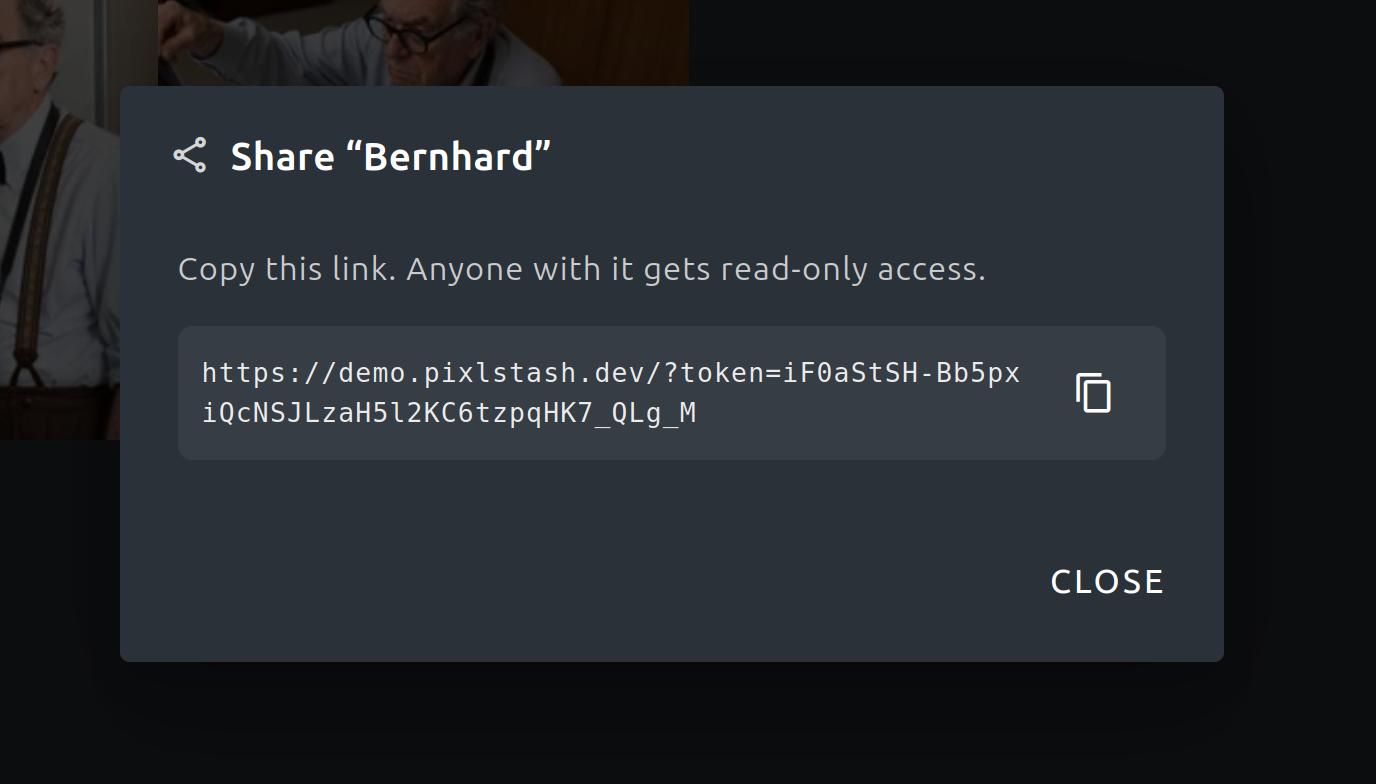
Share individual pictures, sets, characters, and projects with anyone using a read-only link — no account required for viewers. Tokens are scoped, revocable, and never expose your full library. Ideal for sharing work-in-progress with clients or collaborators. Optionally add your own watermarks to shared pictures for branding.

Sharing dialog in PixlStash showing a generated share link
Shared picture view as seen by a recipient

Recipient view

Recipients see a clean, read-only view of exactly what you shared. No login, no noise — just the content you chose to share.

New PixlStash toolbar design

New Toolbar

The toolbar has been redesigned for clarity. Search, filters, and sort controls are better organised, and the new layout scales more naturally on smaller screens.

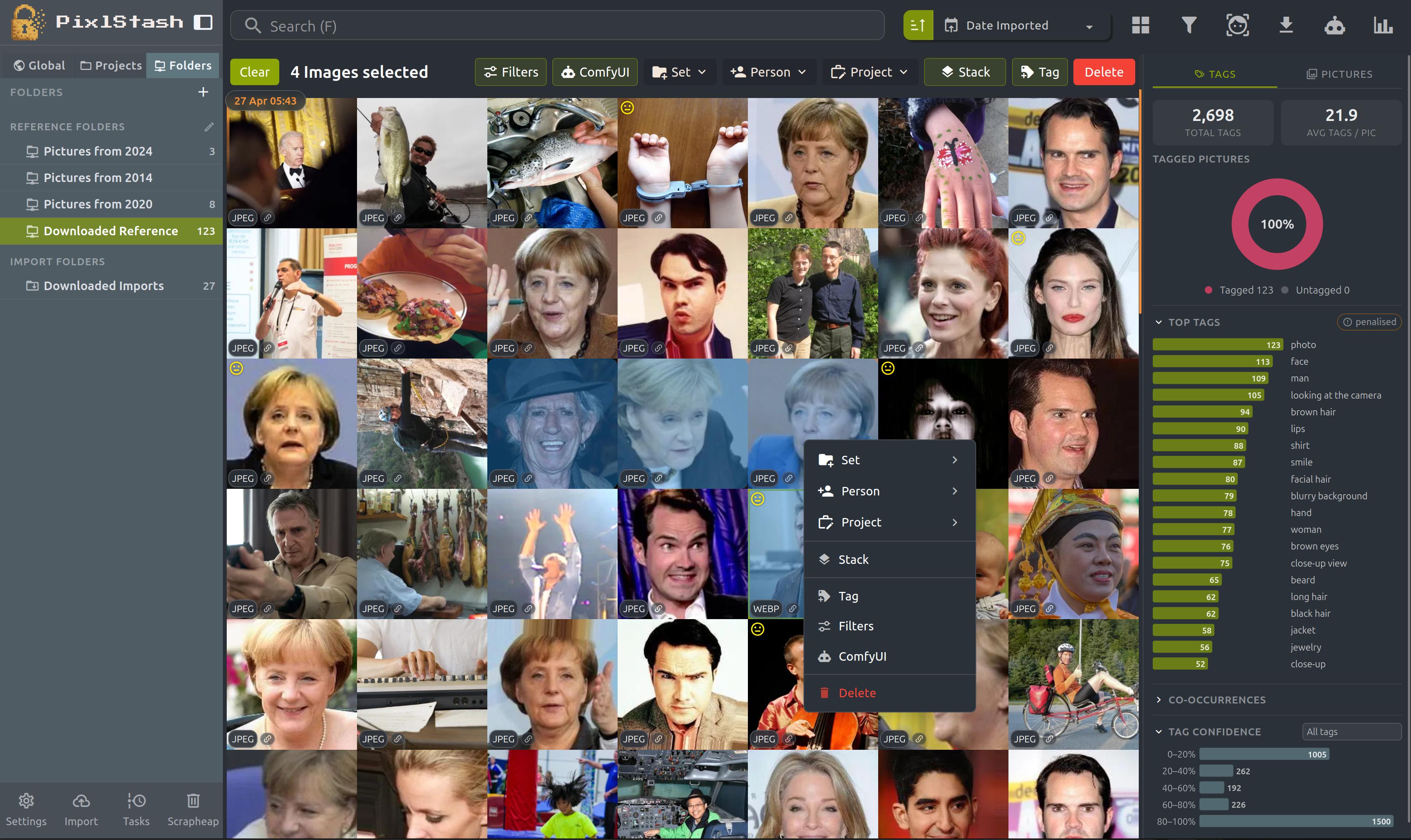
Context menu in the PixlStash image grid

Context Menus

Right-click anywhere in the grid or sidebar to access actions for the item under the cursor. Rate, tag, assign, move, share, or delete without leaving your current view.

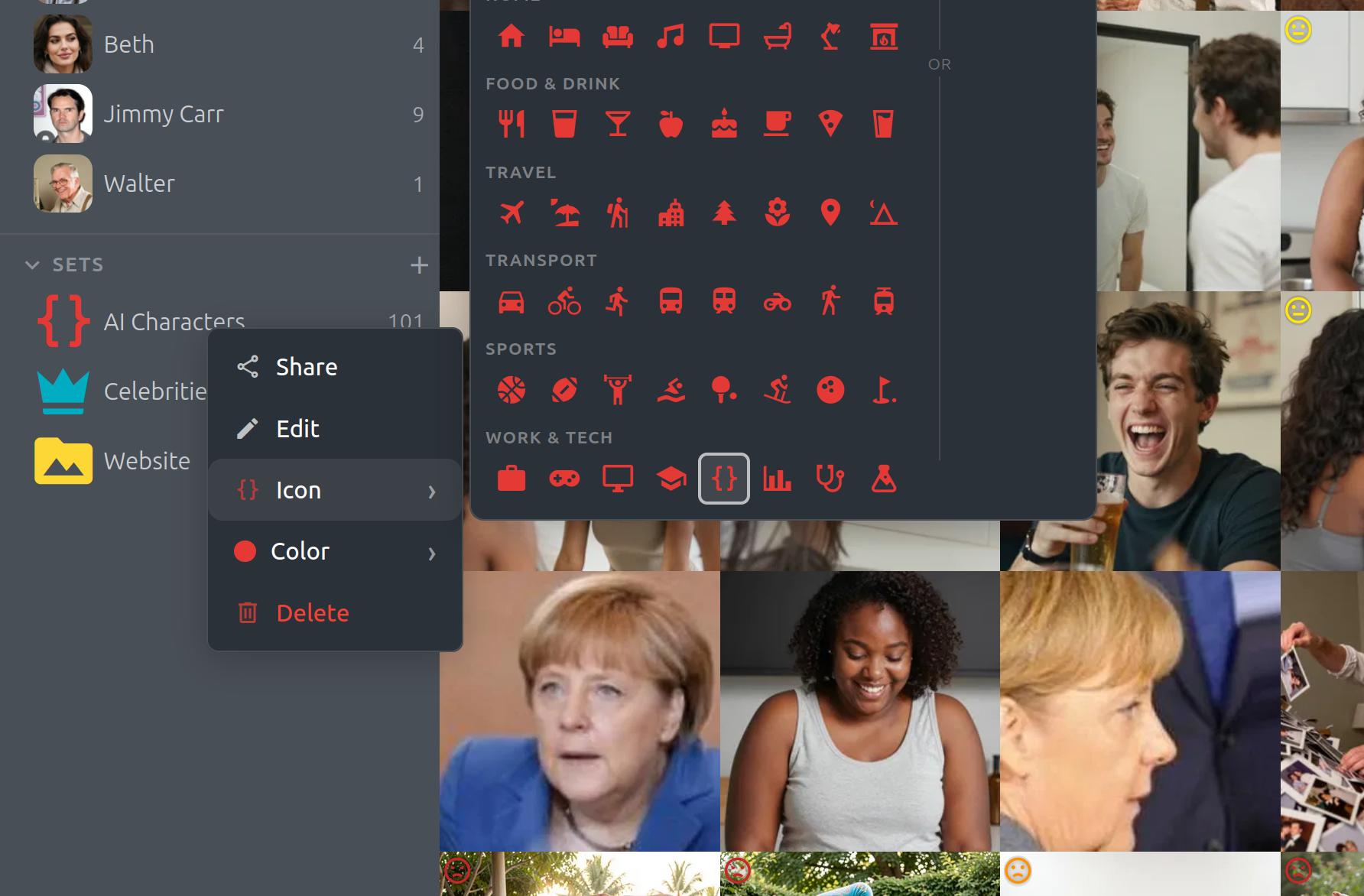
Coloured icon picker for picture sets in PixlStash

Custom Icons for Sets

Give each picture set its own coloured icon instead of relying on the automatic thumbnail. Instantly recognise your sets at a glance, no matter how similar the contents look.

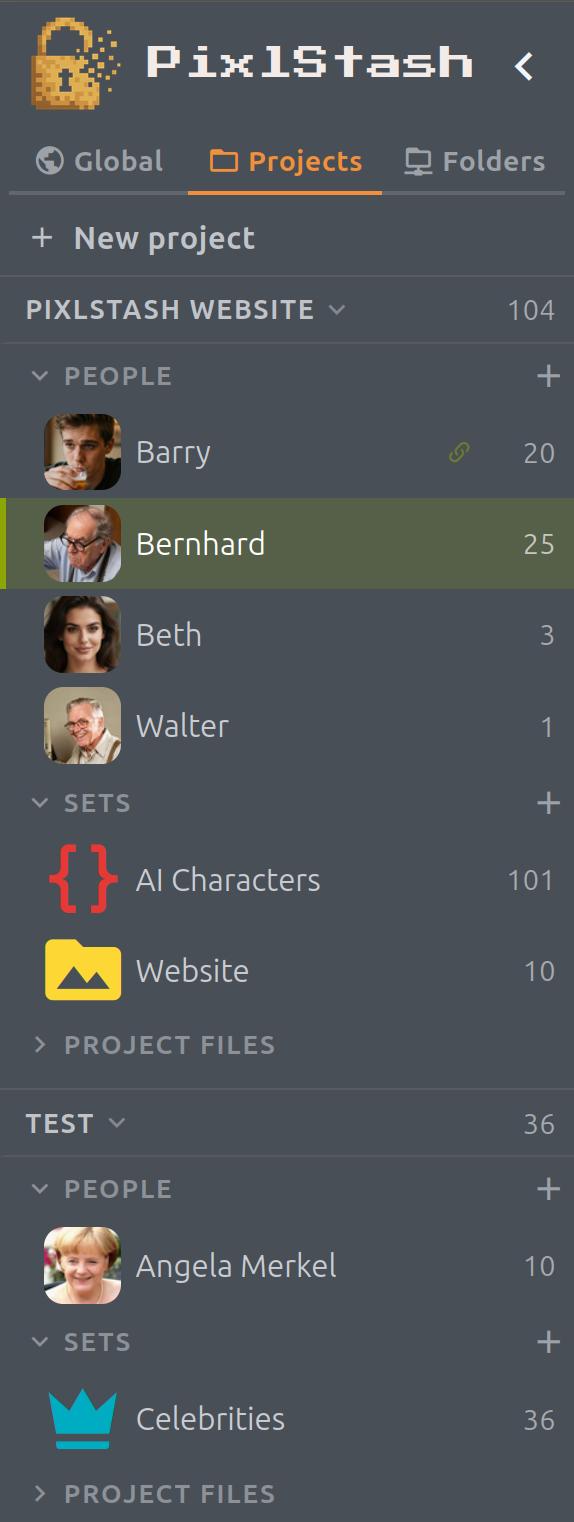
Redesigned PixlStash sidebar

Redesigned Sidebar

People, sets, projects, and folders are easier to navigate. The new sidebar is more compact, loads faster, and shows more at a glance.

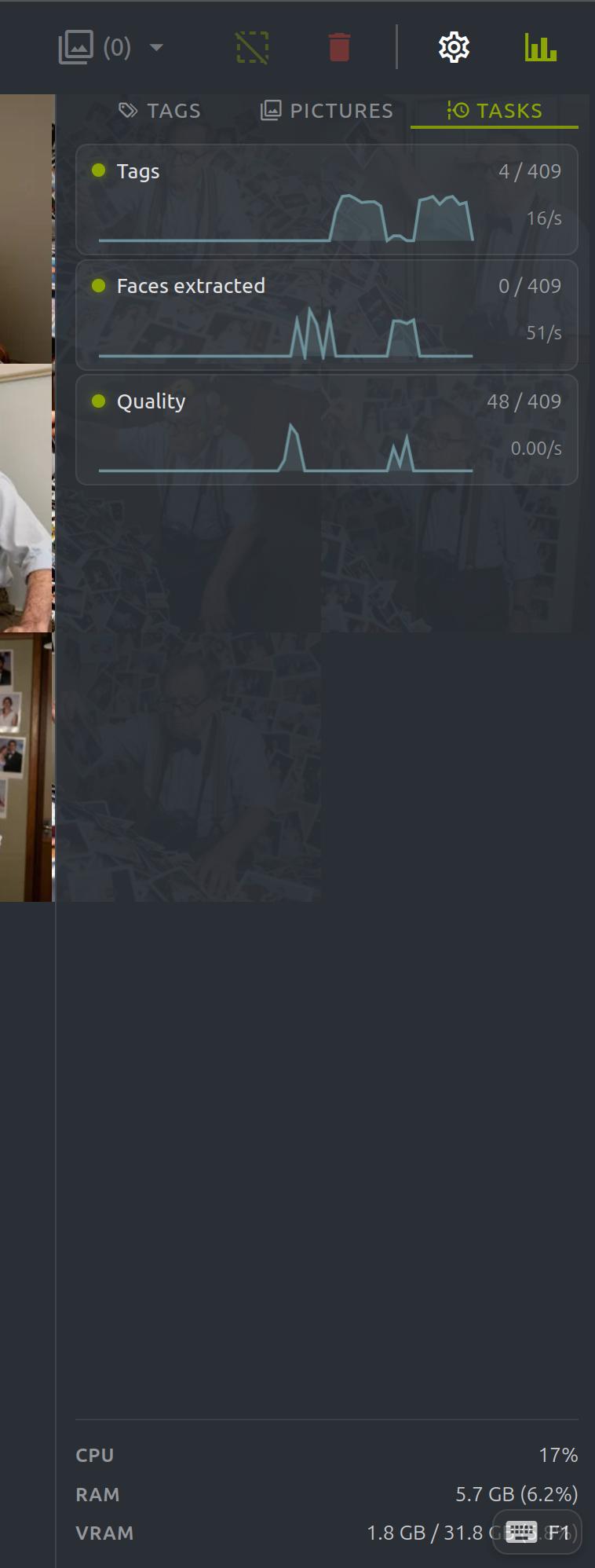
Task manager in the statistics sidebar showing processing throughput

Faster Background Processing

Tagging and face extraction are significantly faster thanks to bulk database operations and smarter grid update scheduling. Watch real-time throughput in the statistics sidebar task manager.

Security Vulnerability Notifications

PixlStash now checks for known security issues in the ChangeLog and alerts you directly in the UI when a fix is available along with the security level and affected versions. Stay informed and keep your installation secure with ease.

Previous release — PixlStash 1.1
PixlStash 1.1

More control over your image folders

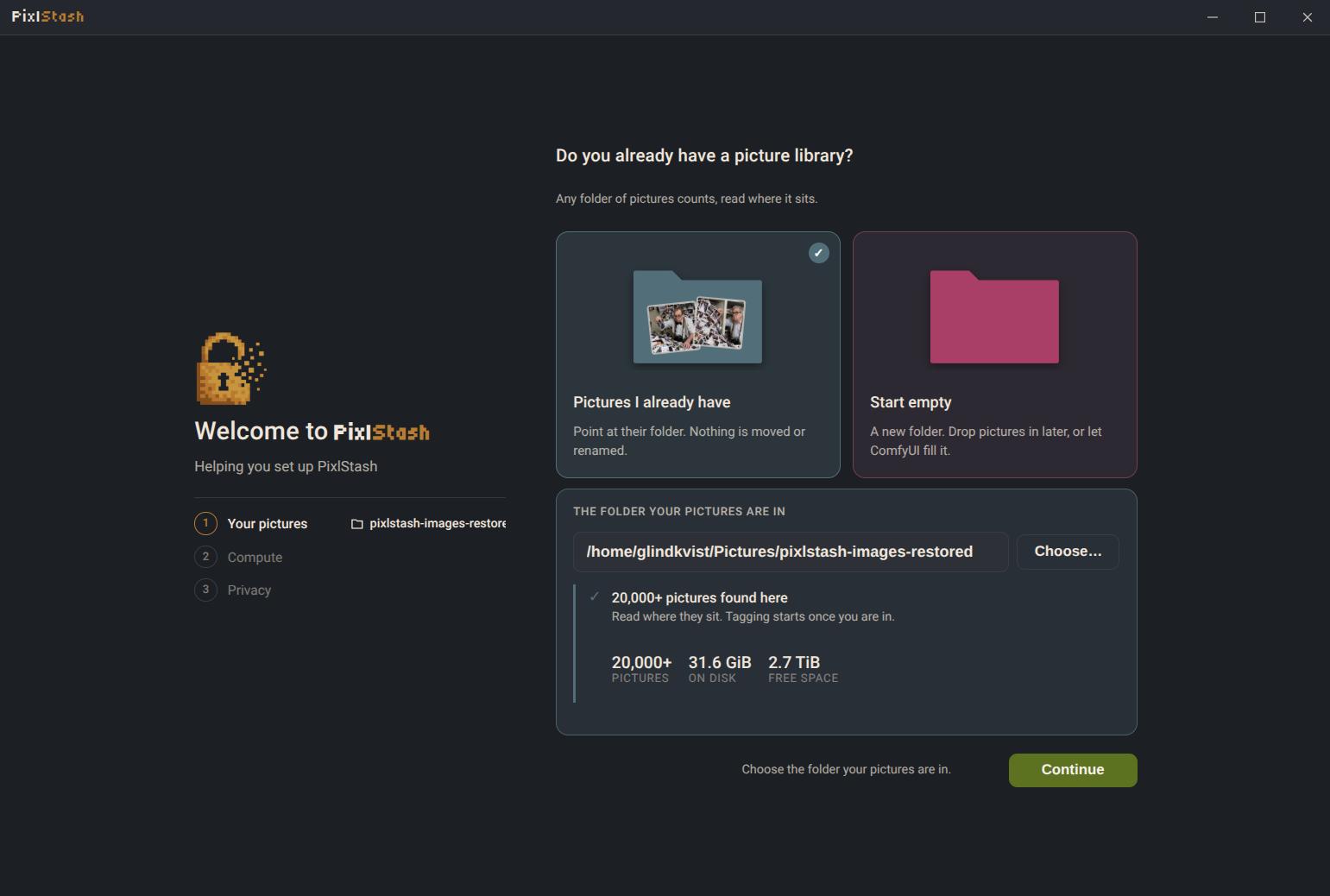
This release adds reference folder support, letting you keep your existing folder structure while still benefiting from PixlStash's powerful organisation and metadata features.

  • Reference folders and import folders managed within the UI
  • Context menus in image grid and main sidebar
  • Statistics sidebar for rapid overview
PixlStash screenshot with reference folders, context menu, and statistics sidebar
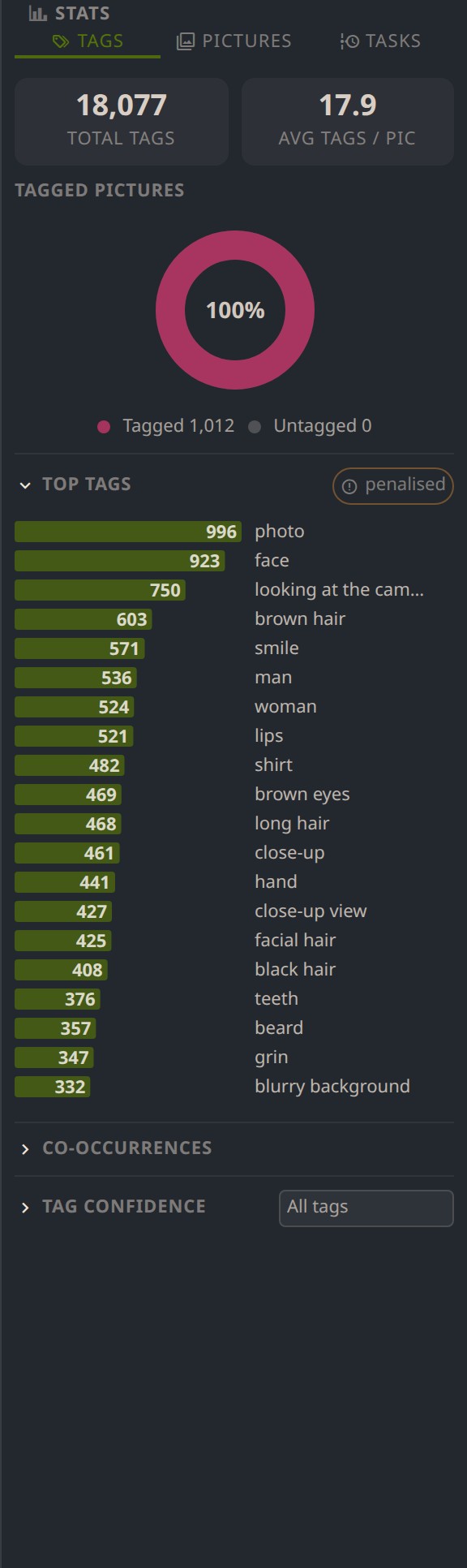
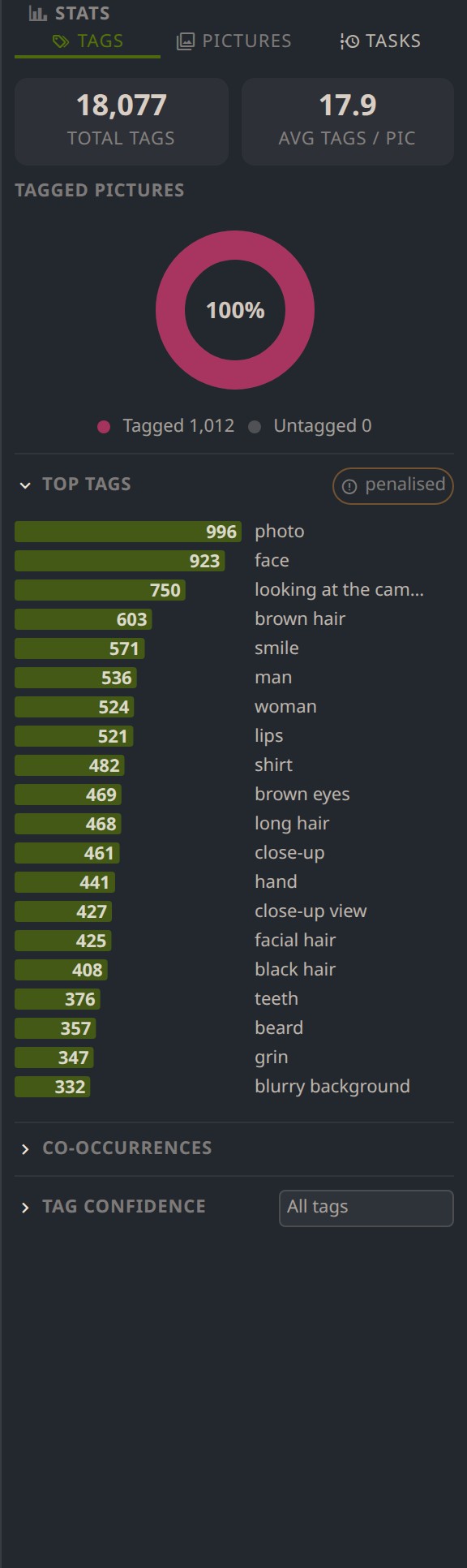
Tag distribution and confidence statistics sidebar in PixlStash

Tag Statistics

Get useful statistics about your picture sets. See tag distribution and tag prediction confidence. A powerful way to understand your training sets.

Picture statistics including image size and score distribution

Picture Statistics

See statistics about your pictures including size distribution and score distribution. Filter image views by clicking on elements in the sidebar. Quickly find outliers to review or delete.

Boolean Set Operations for People & Sets

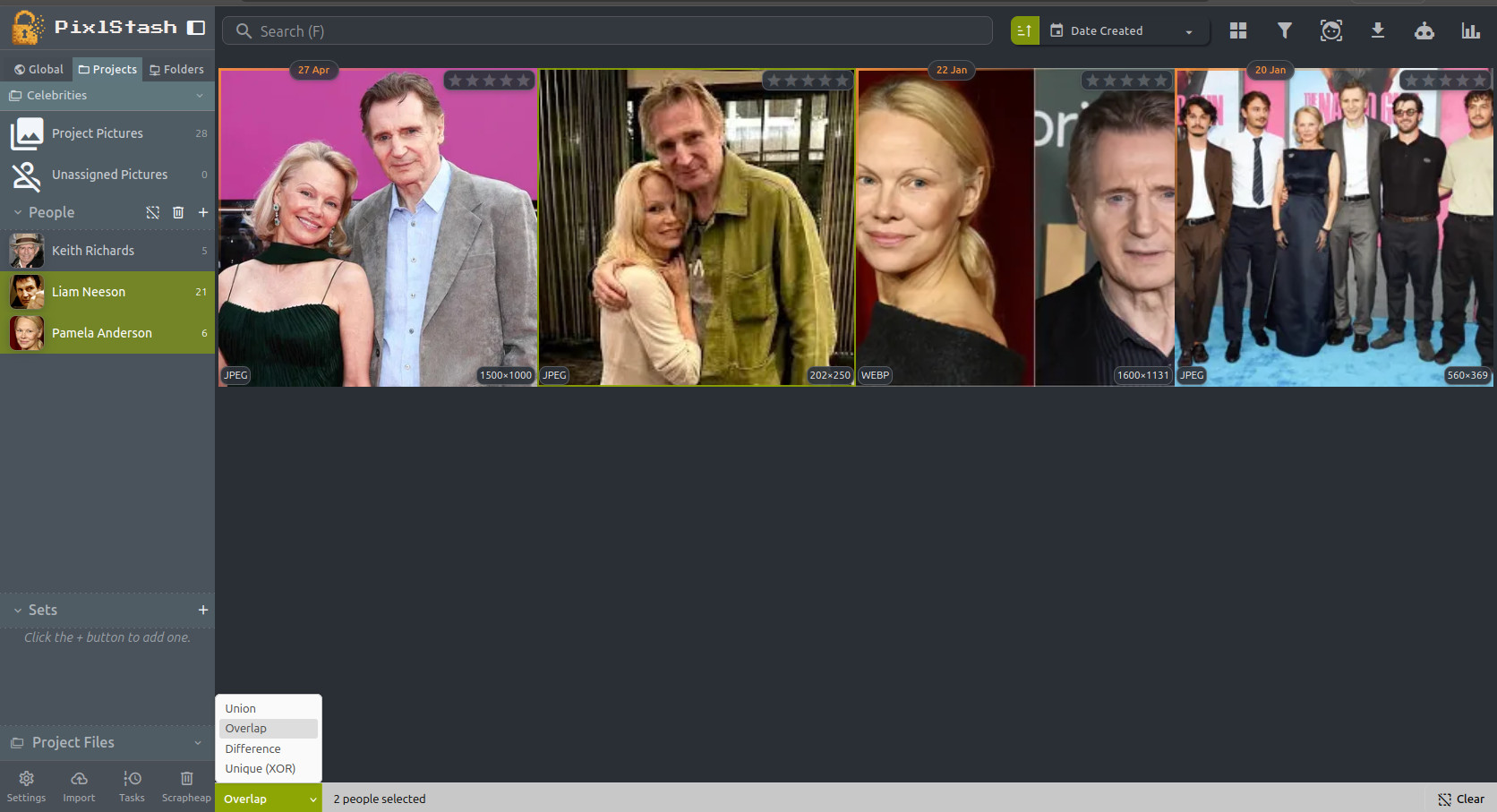
Hold Ctrl and click names in the People or Sets sidebar to build a multi-selection, then choose how to combine them using the toolbar at the bottom of the grid. Union shows all pictures from any selected person or set. Overlap finds pictures where every selected person appears together. Difference subtracts one set from another — useful for finding pictures unique to a base set. Unique (XOR) returns pictures that belong to exactly one of the selections, letting you quickly spot what each person or set contributes exclusively.

Multi-select with Overlap mode showing pictures containing both selected people