REST API
Integrate with scripts, pipelines and external tools. Fetch images, metadata, tags and more.
What can you do with this?
The API makes it easy to plug PixlStash into your own tooling. Two integrations we've built so far:
ai-toolkit: feed a LoRA training run
Our ai-toolkit fork pulls a curated dataset straight from a PixlStash vault and feeds it into a LoRA training run. No manual file juggling required.
LM-Studio: your library inside the chat
Point an LM-Studio chat at your PixlStash server and the assistant can pull in matching pictures as it answers: reference shots, mood-board lookups and search-by-tag all happen without leaving the conversation.


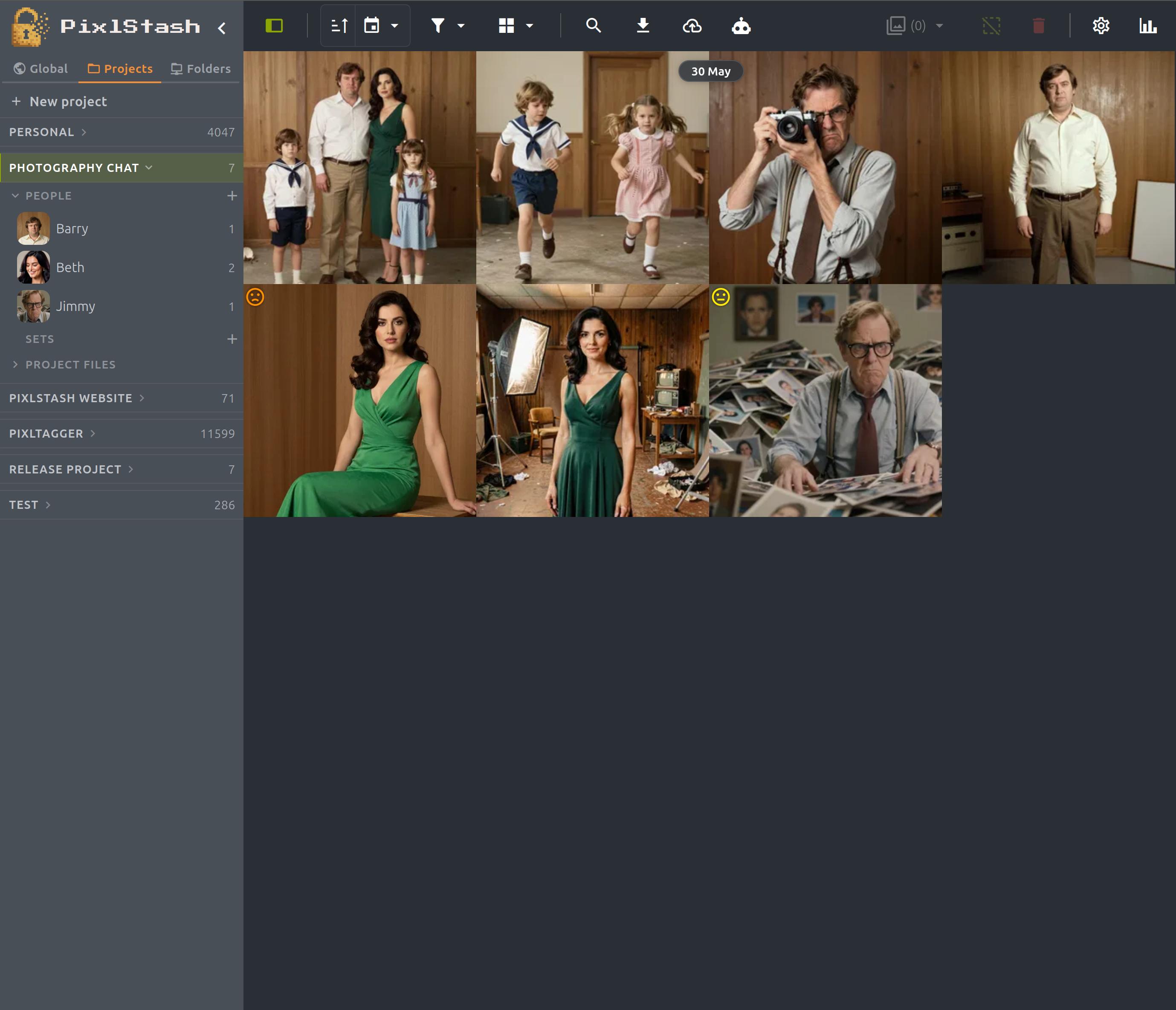
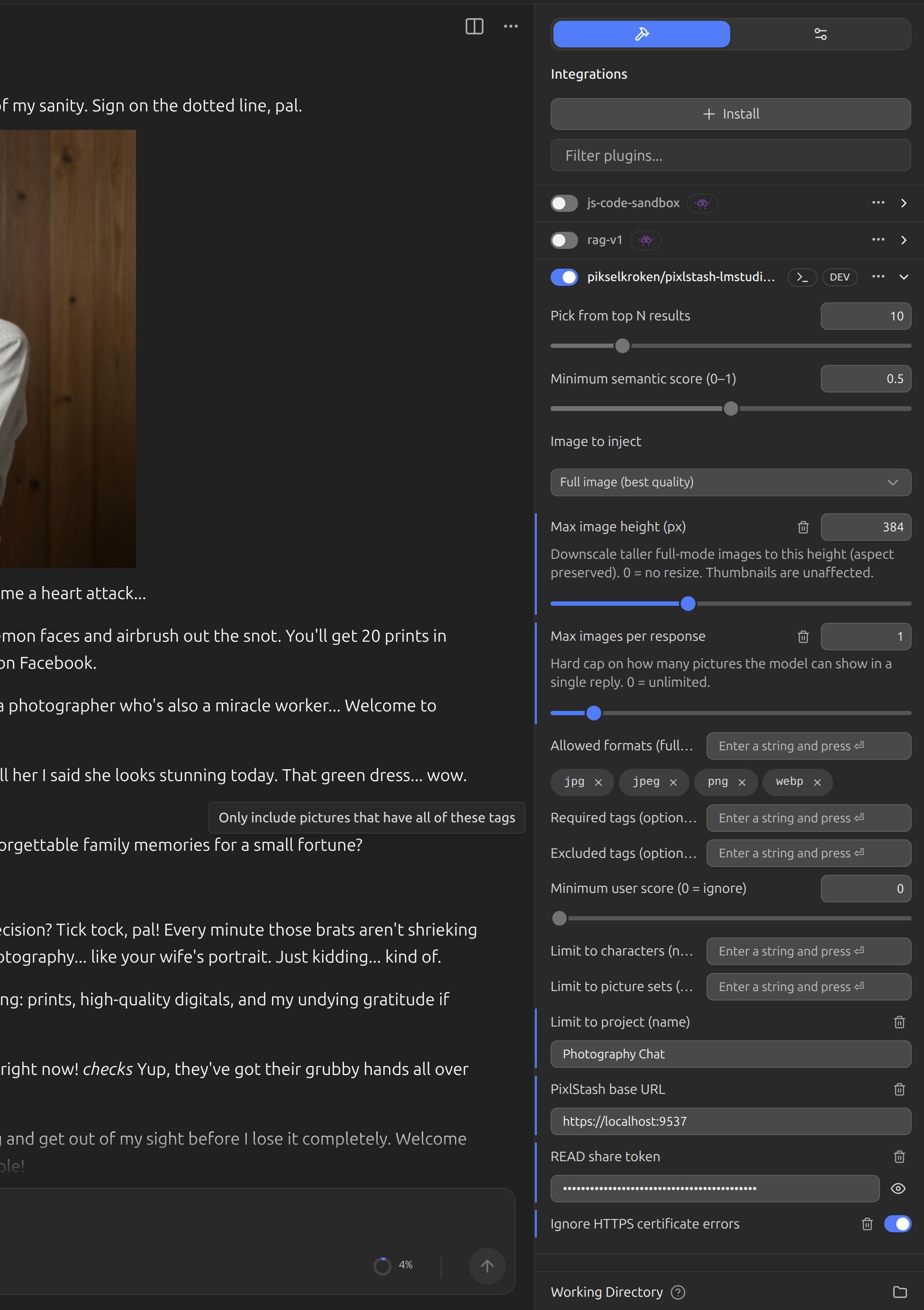
ComfyUI nodes
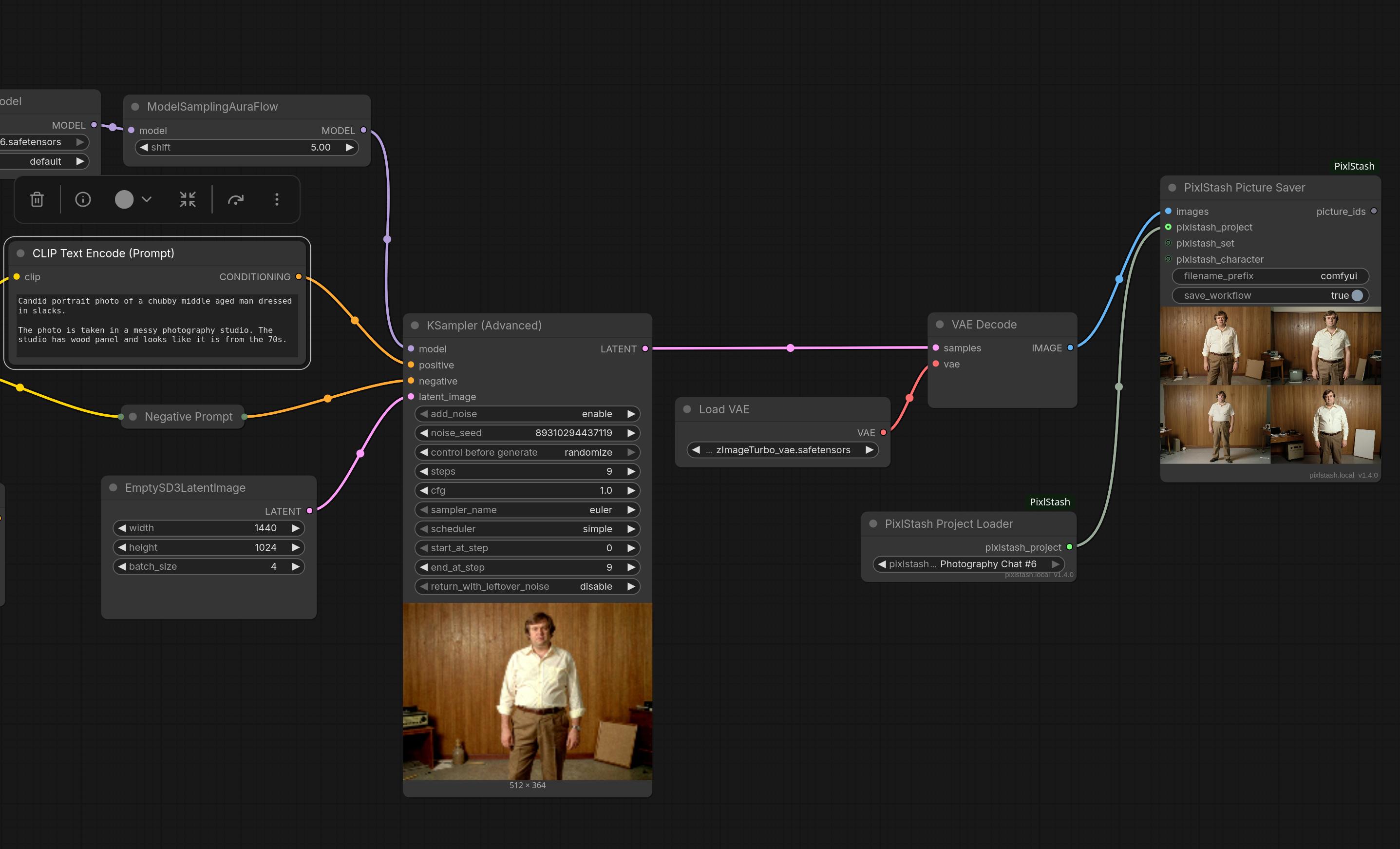
The ComfyUI-PixlStash custom node package connects your vault directly to ComfyUI. Browse and load images by project, set, or character, run them through any pipeline, and save the results back with full metadata and optional workflow embedding.
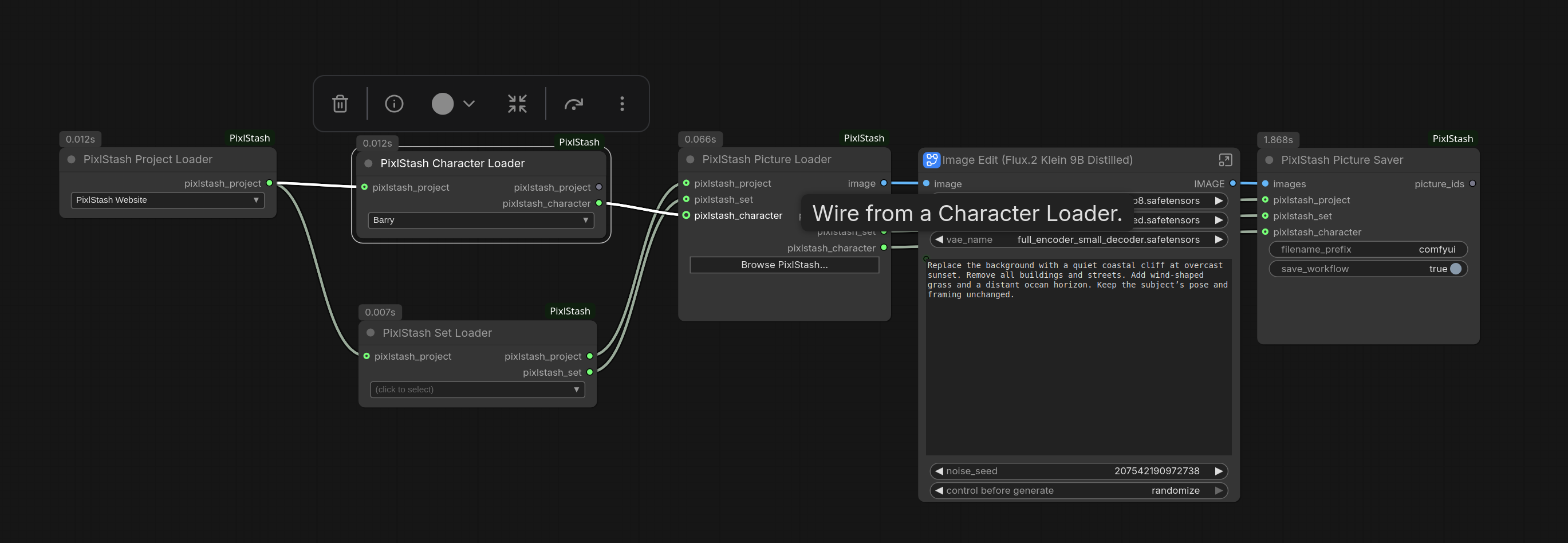
Save results back to your vault from the same graph with the PhotographySaver node:
API features
Jump straight into a section of the reference docs.
Pictures
List, search, filter, import, export and edit your library's pictures and videos.
Characters
Group detected faces into characters and search by face likeness.
Picture sets
Curated, manually-orderable collections of pictures.
Tags
Read and edit the tags on pictures across your library.
Stacks
Group bursts, edits and variants under a single leader with a manual order.
Projects
Top-level workspaces that scope sets and characters and hold attachments.
Libraries
List your registered picture libraries and switch the active one.
Model shelf
List checkpoints and LoRAs from your registered model folders, read one by its hash, and move or delete a file.